





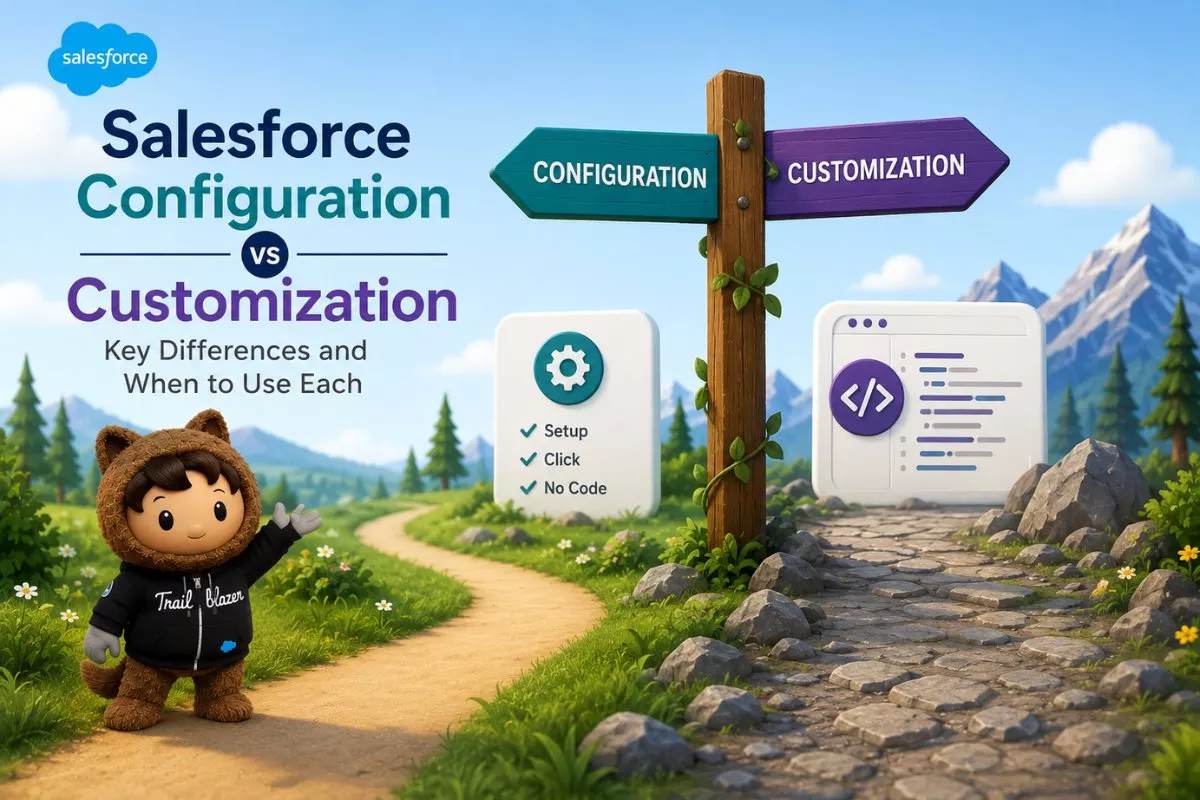
If you are working with Salesforce, you will often hear two terms: configuration and customization.
At first, both seem similar because both are used to modify Salesforce. But they are very different in how they work, the skills required, and when to use them.
In this guide, you will clearly understand salesforce configuration vs customization, common mistakes, and how to choose the right approach.
Common Problems Users Face
Before understanding the difference, let’s look at common issues.
1. Overusing customization
Many teams jump directly to coding even when simple configuration can solve the problem.
2. High maintenance cost
Custom code requires ongoing maintenance and updates.
3. Slow development process
Customization takes more time compared to configuration.
4. Poor system performance
Too much custom code can affect performance.
These problems happen when the wrong approach is chosen.
What is Salesforce Configuration
Configuration means modifying Salesforce using built-in tools without writing code.
It is also called declarative development.
Key Features of Configuration
- No coding required
- Uses standard Salesforce tools
- Quick to implement
- Easy to maintain
Examples of Configuration
- Creating page layouts
- Setting up validation rules
- Building flows for automation
- Managing roles and permissions
- Creating reports and dashboards
Configuration uses the native tools available in Salesforce Setup .
What is Salesforce Customization
Customization means modifying Salesforce using code to achieve advanced functionality.
It is done by developers.
Key Features of Customization
- Requires coding
- More flexible
- Handles complex logic
- Higher maintenance
Examples of Customization
- Writing Apex classes and triggers
- Creating Lightning Web Components
- Building Visualforce pages
- Developing complex integrations
- Advanced automation logic
Customization is used when standard features are not enough .
Salesforce Configuration vs Customization: Key Differences
Here is a clear comparison of salesforce configuration vs customization:
| Feature | Configuration | Customization |
|---|---|---|
| Coding required | No | Yes |
| Complexity | Low | High |
| Speed | Fast | Slower |
| Maintenance | Easy | Requires effort |
| Flexibility | Limited | High |
| Skill required | Admin | Developer |
When to Use Configuration
Use configuration when:
- standard features meet your needs
- you want quick implementation
- business logic is simple
- you want easy maintenance
Example
You want:
- automatic email when a lead is created
This can be done using Flow, no coding needed.
When to Use Customization
Use customization when:
- requirements are complex
- standard tools cannot solve the problem
- advanced logic is needed
- you need custom UI or integrations
Example
You want:
- update multiple related objects with complex logic
This may require Apex triggers.
Real World Scenario
Let’s take a practical example.
Scenario
A company wants to automate lead assignment.
Approach 1: Configuration
- Use assignment rules or Flow
- quick and simple
Approach 2: Customization
- Use Apex for complex conditions
Best approach:
- start with configuration
- use customization only if needed
Best Practice Approach
Always follow this rule:
Configuration first, customization second
This ensures:
- faster development
- lower cost
- easier maintenance
Common Mistakes to Avoid
1. Writing code too early
Always check if configuration can solve the problem.
2. Ignoring platform limits
Salesforce has limits on objects and fields .
3. Overcomplicating solutions
Keep solutions simple whenever possible.
4. Not documenting custom code
Documentation is critical for maintenance.
Final Thoughts
Understanding salesforce configuration vs customization is essential for building efficient solutions.
A simple way to remember:
- Configuration = no code, faster, easier
- Customization = code, flexible, powerful
Using the right approach helps you build scalable and maintainable systems.


