





Introduction
Salesforce AI has evolved quickly over the last few years. Features like Agentforce, Einstein AI, and Data Cloud are helping companies automate work and improve productivity. One tool that is becoming increasingly important is Salesforce Prompt Builder.
If you’ve heard about Prompt Builder but aren’t sure what it actually does, you’re not alone. Many Salesforce admins understand AI tools like ChatGPT but struggle to see how AI fits inside Salesforce.
Salesforce Prompt Builder solves that problem by allowing admins to create reusable AI prompts that use Salesforce data automatically. Instead of manually writing instructions every time, you can build prompt templates once and use them across your organization.
For teams already exploring What’s the Difference Between Agentforce and Einstein in Salesforce? Prompt Builder often becomes the starting point because it requires very little coding while delivering immediate business value.
In this guide, you’ll learn what Salesforce Prompt Builder is, how it works, the different template types available, and practical examples that make the concept easy to understand.
What Is Salesforce Prompt Builder?
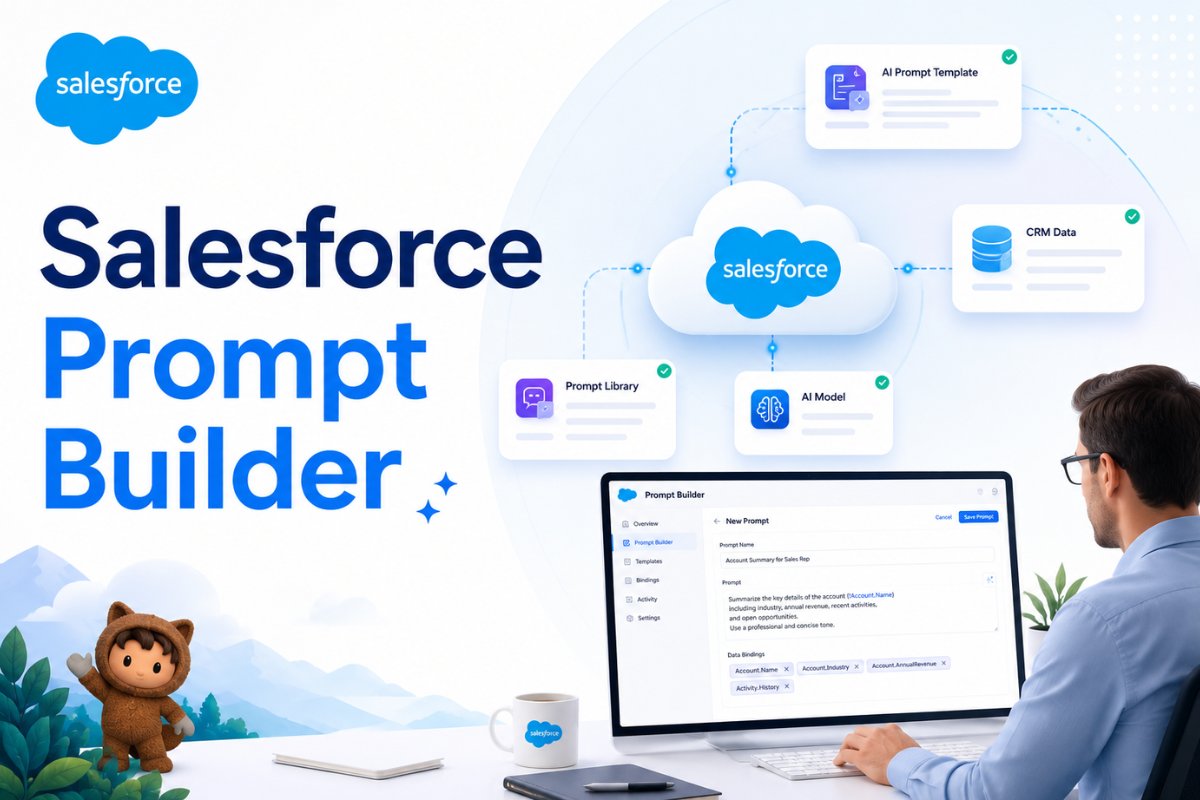
Salesforce Prompt Builder is a low-code AI tool that allows admins and developers to create reusable prompt templates that generate content using Salesforce data.
Think of Prompt Builder as a bridge between your CRM data and generative AI.
Instead of typing a prompt like:
Write a professional follow-up email for a lead named John from ABC Company.
Prompt Builder automatically pulls information from Salesforce records and creates the prompt dynamically.
For example:
- Lead Name = John Smith
- Company = ABC Company
- Industry = Manufacturing
- Status = Qualified
The AI then uses that information to generate relevant content automatically.
This means users no longer need to write prompts from scratch every time.

Why Was Salesforce Prompt Builder Created?
Many organizations wanted to use AI inside Salesforce but faced a challenge.
AI tools are powerful, but they require detailed instructions.
Without proper prompts:
- AI responses become inconsistent
- Users get different results
- Business processes become difficult to scale
Prompt Builder addresses this issue by standardizing prompts.
Instead of every employee creating their own AI instructions, admins can build approved prompt templates once and allow everyone to use them.
This creates:
- Better consistency
- Improved productivity
- Stronger governance
- More reliable AI responses
Companies already using Agentforce AI agents often combine them with Prompt Builder to create more intelligent workflows.
You can also compare this approach with What’s the Difference Between Agentforce and Einstein in Salesforce?where we discussed how Salesforce AI tools work together.
How Does Salesforce Prompt Builder Work?
The process is surprisingly simple.
Step 1: Create a Prompt Template
Admins define instructions for the AI.
Example:
Generate a professional lead summary using the information below.
Step 2: Add Salesforce Data
Prompt Builder can pull data from:
- Record fields
- Related records
- Flows
- Apex
- CRM objects
Step 3: Send Data to AI
The prompt and CRM data are sent to Salesforce AI models.
Step 4: Generate Response
The AI creates:
- Emails
- Summaries
- Descriptions
- Recommendations
- Custom content
Step 5: Display Results
The generated content appears directly inside Salesforce.
This process allows admins to introduce AI into business workflows without requiring advanced machine learning knowledge.
Real Example: Sales Team Follow-Up Emails
Imagine your sales team receives hundreds of leads every week.
Normally, sales reps spend time writing personalized emails.
With Prompt Builder:
- Lead data is automatically collected
- AI creates a customized email
- Reps review and send
Example output:
Hi John,
Thank you for your interest in our manufacturing solutions. Based on your company’s recent growth initiatives, we believe our platform could help streamline operations and improve efficiency.
Instead of spending 10 minutes writing an email, the rep spends 30 seconds reviewing it.
This is one reason many companies exploring How Salesforce Admins Can Use AI to Save Time Every Day start with Prompt Builder.
What Types of Prompt Templates Are Available?
Salesforce provides multiple prompt template types.
1. Sales Email Templates
Used for generating:
- Follow-up emails
- Prospecting emails
- Customer communication
Perfect for sales teams.
2. Record Summary Templates
Generate summaries of:
- Leads
- Opportunities
- Cases
- Accounts
These are extremely useful when users need quick insights.
3. Field Generation Templates
Populate fields automatically using AI.
Examples:
- Product descriptions
- Case summaries
- Notes
- Recommendations
4. Flex Templates
The most powerful option.
Flex templates can use multiple objects and data sources together.
For example:
- Campaign data
- Product data
- Customer data
All combined into one AI-generated output.

Real Example: Opportunity Summary Generation
A sales manager opens an opportunity record before a customer meeting.
Instead of reviewing dozens of fields manually, Prompt Builder generates:
- Deal size
- Customer goals
- Recent activities
- Open tasks
- Risks
Within seconds.
This is similar to how organizations improve efficiency using AI-powered Salesforce automation and Agentforce for sales teams.
The manager gets a complete overview without manually reading every record detail.
Salesforce Prompt Builder vs ChatGPT
Many beginners ask this question.
ChatGPT
- General-purpose AI
- Requires manual prompts
- No direct Salesforce integration
Salesforce Prompt Builder
- Built specifically for Salesforce
- Uses CRM data automatically
- Integrated into Salesforce workflows
- Supports governance and security
Think of ChatGPT as a general AI assistant.
Think of Prompt Builder as Salesforce’s business-focused AI layer.
Both use generative AI concepts, but Prompt Builder is designed for enterprise CRM use cases.
You may also find similarities when comparing What Can AI Agents Actually Do Inside Salesforce?
Can Salesforce Admins Use Prompt Builder Without Coding?
Yes.
This is one of the biggest advantages.
Most Prompt Builder implementations require:
- Configuration
- Template design
- CRM understanding
Not coding.
Admins can:
- Create prompts
- Test outputs
- Add merge fields
- Connect records
Without writing Apex code.
This makes Prompt Builder accessible to a much larger audience than traditional AI development tools.
How Prompt Builder Works with Agentforce
Many people assume Prompt Builder and Agentforce are the same thing.
They are not.
Prompt Builder creates AI content.
Agentforce executes actions.
Example:
Prompt Builder
Generates a lead summary.
Agentforce
Uses that summary to make decisions and perform actions automatically.
Together, they create powerful automation workflows.
This is why organizations investing in Salesforce AI agents often implement Prompt Builder first.
Benefits of Salesforce Prompt Builder
Faster Work
Users spend less time creating content manually.
Consistent Responses
Everyone uses approved prompt templates.
Better Productivity
Teams complete tasks more efficiently.
Improved Customer Experience
Personalized communication becomes easier.
Low-Code AI Adoption
Admins can implement AI without becoming developers.
These benefits explain why Prompt Builder continues gaining popularity among Salesforce admins.

Best Practices for Salesforce Prompt Builder
Keep Prompts Simple
Clear instructions produce better results.
Test Multiple Versions
Small wording changes can improve output quality significantly.
Use Real Salesforce Data
Grounding prompts with CRM information improves accuracy.
Start Small
Begin with email generation or record summaries before building advanced templates.
Review AI Outputs
Always validate responses before deploying templates organization-wide.
Many teams also combine these practices with How AI and Salesforce Flow Work Together strategies for better automation.
Common Use Cases for Salesforce Prompt Builder
Organizations use Prompt Builder for:
- Lead summaries
- Opportunity insights
- Customer emails
- Case summaries
- Product descriptions
- Marketing content
- Internal recommendations
- Support responses
As AI adoption increases, new use cases continue appearing across Sales Cloud, Service Cloud, and Marketing Cloud.
Is Salesforce Prompt Builder Worth Learning?
Absolutely.
Prompt Builder represents one of the easiest entry points into Salesforce AI.
Unlike advanced AI tools that require technical expertise, Prompt Builder allows admins to start experimenting immediately.
As companies invest more heavily in AI, understanding Prompt Builder can become a valuable skill for:
- Salesforce Admins
- Business Analysts
- Consultants
- Developers
- Architects
It’s also an excellent foundation before exploring Agentforce and more advanced AI automation capabilities.
Conclusion
Salesforce Prompt Builder helps organizations bring generative AI directly into their CRM workflows. By combining Salesforce data with reusable prompt templates, admins can automate content creation, improve productivity, and deliver more consistent user experiences.
Whether you’re generating emails, creating record summaries, populating fields, or building AI-powered workflows, Prompt Builder offers a practical and low-code way to start using AI inside Salesforce.
As Salesforce continues expanding its AI ecosystem through Einstein, Data Cloud, and Agentforce, Prompt Builder is likely to become an essential tool for admins who want to stay ahead of the curve.


