





Salesforce security is one of the most important parts of Salesforce Administration. However, many beginners become confused when users start asking questions like:
- Why can I not see a record?
- Why does another department have access to my Opportunities?
- How can I share records without giving full admin access?
This is where Salesforce Sharing Rules become important.
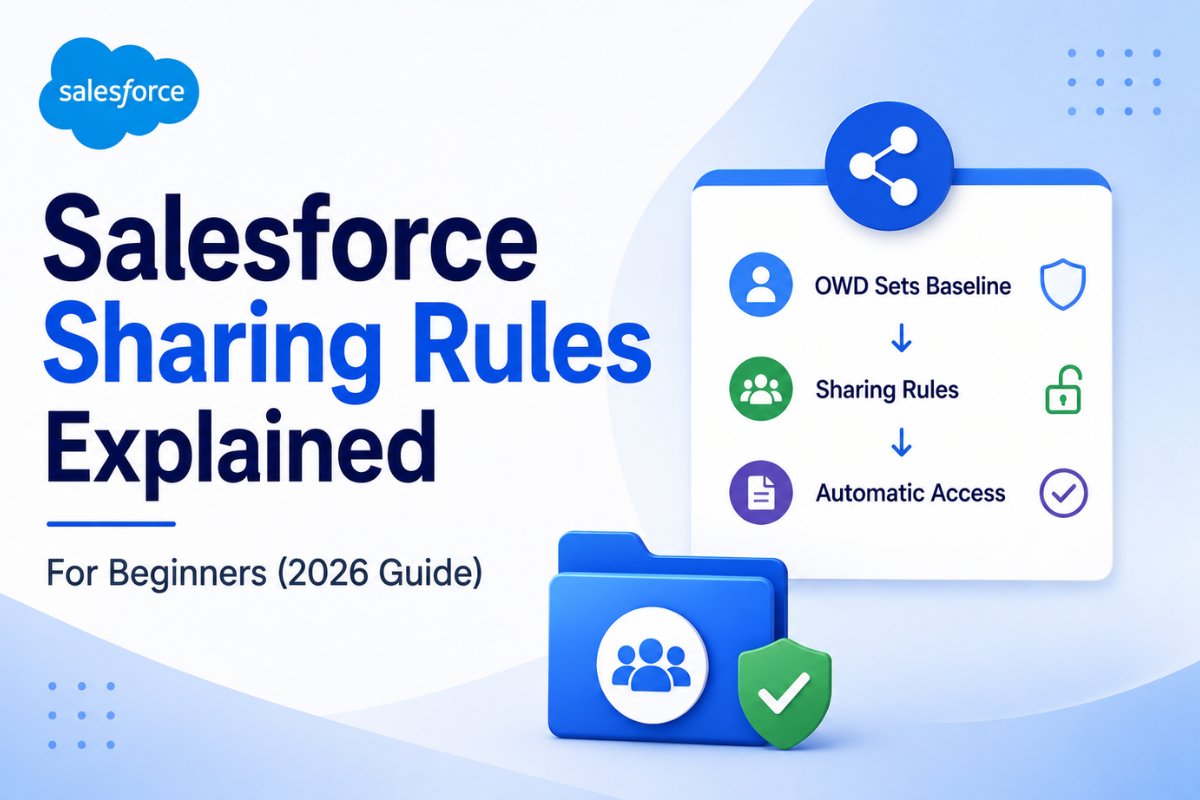
In Salesforce, Organization-Wide Defaults (OWD) define the baseline level of record visibility. However, businesses often need users from different teams to collaborate on records. Sharing rules help admins automatically open record access without changing the complete security structure.
In this guide, you will learn:
- What Salesforce Sharing Rules are
- Types of sharing rules
- Owner-based vs criteria-based sharing
- Real business examples
- Step-by-step setup
- Best practices
- Common mistakes beginners should avoid
If you are preparing for Salesforce Admin interviews or working on real Salesforce projects, this topic is extremely important.
What Are Salesforce Sharing Rules?
Salesforce Sharing Rules are used to automatically extend record access to users.
In simple words:
- OWD defines the default access
- Role hierarchy opens access vertically
- Sharing rules open access horizontally
Sharing rules never restrict access. Instead, they only provide additional access to records.
For example:
- Sales users can share Opportunities with Finance
- Support managers can access high-priority Cases
- Regional teams can collaborate on Accounts
This makes Salesforce collaboration easier while still maintaining security.
How Sharing Rules Fit Into the Salesforce Security Model
Before understanding sharing rules deeply, you should understand how Salesforce security works together.
Salesforce Security Layers
| Security Feature | Purpose |
|---|---|
| Profiles | Control what users can do |
| Permission Sets | Give extra permissions |
| OWD | Define default record visibility |
| Role Hierarchy | Open access upward |
| Sharing Rules | Open access across teams |
| Manual Sharing | Share individual records |
Sharing rules are only one part of the complete Salesforce security model.
You should also understand:
- Salesforce Roles vs Profiles Explained with Real Examples (2026 Guide)
- Salesforce Permission Sets Explained for Beginners (2026 Guide)
- Salesforce Roles vs Profiles Explained with Real Examples (2026 Guide)
All these concepts work together.
Types of Salesforce Sharing Rules
Salesforce mainly provides two types of sharing rules.
Owner-Based Sharing Rules
Owner-based sharing rules share records based on who owns the record.
Real Example
Suppose:
- East Sales Team owns Accounts
- West Sales Team also needs access
You can create a sharing rule like this:
| Owned By | Shared With | Access |
|---|---|---|
| East Sales Role | West Sales Role | Read Only |
As a result, West Sales users can view records owned by East Sales users.
This type of sharing rule is commonly used for:
- Cross-team collaboration
- Regional access
- Sales management visibility
Criteria-Based Sharing Rules
Criteria-based sharing rules share records based on field values instead of ownership.
Real Example
Share all Cases where:
Priority = High
with the Escalation Team.
Salesforce automatically updates access whenever records meet the criteria.
Criteria-based sharing is useful when access depends on business conditions rather than ownership.
Common Use Cases
| Criteria | Shared With |
|---|---|
| Case Priority = High | Escalation Team |
| Opportunity Stage = Closed Won | Finance Team |
| Region = USA | US Support Team |
Because of this flexibility, criteria-based sharing rules are widely used in large organizations.
Real Business Example of Salesforce Sharing Rules
Let’s understand a practical business scenario.
Scenario
A company has:
- North America Sales Team
- Finance Department
The Finance team needs read-only access to all Closed Won Opportunities.
However, Finance users should not edit Opportunities.
Solution
Create a Criteria-Based Sharing Rule:
| Criteria | Share With | Access |
|---|---|---|
| Stage = Closed Won | Finance Role | Read Only |
Now Finance users can automatically view all Closed Won Opportunities without manual sharing.
This approach is scalable and secure.
When Should You Use Sharing Rules?
Sharing rules are best when:
- Different departments need collaboration
- Access must be automated
- Role hierarchy alone is not enough
- Teams need controlled record visibility
Common Scenarios
| Scenario | Recommended Rule |
|---|---|
| Sales sharing with Finance | Owner-Based |
| Escalation Cases | Criteria-Based |
| Regional collaboration | Owner-Based |
| High-priority support tickets | Criteria-Based |
How to Create Sharing Rules in Salesforce
Now let’s configure a sharing rule step by step.
Step 1: Open Sharing Settings
Go to:
Setup → Sharing Settings
Scroll to the object you want to configure.
Step 2: Verify OWD
Sharing rules work best when OWD is:
- Private
- Public Read Only
If OWD is already Public Read/Write, sharing rules usually become unnecessary.
Step 3: Create a New Sharing Rule
Choose the object.
Example:
- Account
- Opportunity
- Case
- Custom Object
Then click:
New
Step 4: Select Sharing Rule Type
Choose either:
- Owner-Based
or - Criteria-Based
Select the type according to your business requirement.
Step 5: Configure Sharing Access
Now define:
- Which records to share
- Who should receive access
- Access level
Access Levels
| Access Type | Meaning |
|---|---|
| Read Only | Users can only view records |
| Read/Write | Users can view and edit records |
Step 6: Save the Rule
After saving, Salesforce recalculates record access.
In large organizations, recalculation may take several minutes.
Salesforce Sharing Rules Best Practices
Good admins always design sharing models carefully.
Here are some important best practices.
Use Public Groups
Instead of creating many rules for individual users, use Public Groups whenever possible.
This approach makes administration easier and cleaner.
Keep OWD Restrictive
Start with restrictive Organization-Wide Defaults.
Then open access gradually using:
- Role hierarchy
- Sharing rules
- Permission sets
This is considered the best Salesforce security practice.
Avoid Too Many Sharing Rules
Too many sharing rules can affect org performance.
Therefore, avoid unnecessary rules whenever possible.
Use Clear Naming Conventions
Always use meaningful sharing rule names.
Example:
- Share_ClosedWon_To_Finance
- Share_HighPriorityCases_To_Support
This helps future admins understand configurations easily.
Limitations of Salesforce Sharing Rules
Although sharing rules are powerful, they still have some limitations.
Sharing Rules Cannot Restrict Access
This is one of the most important concepts.
Sharing rules only open access.
They never reduce access.
Object Permissions Still Matter
Even if sharing rules provide Read/Write access, users still need object permissions from:
- Profiles
- Permission Sets
Without object-level permissions, sharing rules alone will not help.
Some Fields Cannot Be Used
Criteria-based sharing rules cannot use:
- Formula fields
- Encrypted fields
- Certain lookup fields
Therefore, plan your sharing logic carefully.
Sharing Rules vs Role Hierarchy
Many beginners confuse sharing rules with role hierarchy.
Here is the difference.
| Feature | Sharing Rules | Role Hierarchy |
|---|---|---|
| Access Direction | Horizontal | Vertical |
| Based On | Rules or Criteria | Reporting Structure |
| Flexibility | High | Medium |
| Best For | Team collaboration | Manager visibility |
Role hierarchy mainly supports managerial access, while sharing rules support collaboration across departments.
Sharing Rules vs Manual Sharing
| Feature | Sharing Rules | Manual Sharing |
|---|---|---|
| Automation | Automatic | Manual |
| Scalability | High | Low |
| Best For | Large organizations | One-time sharing |
Manual sharing is useful for temporary access, while sharing rules are better for automation.
Common Salesforce Sharing Rule Interview Questions
What is the purpose of sharing rules in Salesforce?
Sharing rules automatically extend record access beyond OWD settings.
Can sharing rules restrict access?
No. Sharing rules only open access.
What are the types of sharing rules?
- Owner-Based Sharing Rules
- Criteria-Based Sharing Rules
What happens if multiple sharing rules apply?
Salesforce provides the highest level of access available.
Common Mistakes Beginners Make
Many beginners make these mistakes while configuring sharing rules.
Using Sharing Rules Instead of OWD
OWD should always define the baseline access first.
Sharing rules should only extend access later.
Giving Read/Write Access Unnecessarily
Always follow the principle of least privilege.
Only provide the minimum required access.
Creating Too Many Rules
Too many rules make troubleshooting difficult.
Instead, simplify the sharing model whenever possible.
Final Thoughts
Salesforce Sharing Rules are one of the most important parts of the Salesforce security model.
They help organizations:
- Improve collaboration
- Automate record visibility
- Maintain security
- Reduce manual sharing work
However, sharing rules should always be designed carefully alongside:
- Profiles
- Permission Sets
- OWD
- Role Hierarchy
Once you understand how these concepts work together, Salesforce security becomes much easier to manage.
Recommended Articles
- Salesforce Roles vs Profiles Explained with Real Examples (2026 Guide)
- Salesforce Permission Sets Explained for Beginners (2026 Guide)
- Salesforce Developer Console Tutorial for Beginners
- Salesforce Lead Conversion Process Explained Step by Step
- Salesforce Leads vs Opportunities: Understanding the Difference with Real Examples
- Salesforce Data Loader Tutorial for Beginners


