


By using this site, you agree to the Privacy Policy and Terms of Use.
Accept
horizontal-light horizontal-dark
  • Home
  • Tutorials
    • Salesforce AI
    • Salesforce DevOps
    • Career
    • Errors
    • Interview Questions
    • Salesforce Integration
    • Salesforce Flow
  • Salesforce Tools
  • Apex Development
  • Lightning Web Components
  • Salesforce Admin
  • About
    • Privacy Policy
    • Disclaimer
    • Terms & Conditions
    • Contact
SalesforceCornerSalesforceCorner
Search
  • Home
  • Tutorials
    • Salesforce AI
    • Salesforce DevOps
    • Career
    • Errors
    • Interview Questions
    • Salesforce Integration
    • Salesforce Flow
  • Salesforce Tools
  • Apex Development
  • Lightning Web Components
  • Salesforce Admin
  • About
    • Privacy Policy
    • Disclaimer
    • Terms & Conditions
    • Contact
Follow US
Salesforce Corner » Salesforce Tutorials » Lead to Cash Process in Salesforce: Complete Beginner Guide
Salesforce Tutorials

Lead to Cash Process in Salesforce: Complete Beginner Guide

Practical Salesforce tutorials and business process guides made simple

Neha Panwar
By
Neha Panwar
ByNeha Panwar
Salesforce Developer and Technical Writer
Neha Panwar is a Salesforce developer and technical writer who creates practical learning resources for Salesforce administrators and developers. She specializes in Salesforce Administration, Apex, Lightning...
Follow:
- Salesforce Developer and Technical Writer
Last updated: 2026/06/21
Share
lead to cash process salesforce
SHARE

If you are working with Salesforce, you will often hear the term lead to cash process.

At first, it sounds simple. A lead becomes a customer, and the company earns revenue.

But in reality, this process involves multiple stages, systems, and teams. If not managed properly, it can lead to delays, lost opportunities, and revenue leakage.

In this guide, you will clearly understand the lead to cash process in Salesforce, the common problems businesses face, and how Salesforce helps solve them.

Contents
1. Disconnected systems2. Manual workflows3. Delayed revenue4. Poor customer experience1. Lead GenerationExample2. Lead QualificationGoal3. Opportunity CreationExample4. Quote CreationExample5. Order ManagementExample6. Billing and Invoicing7. Payment CollectionKey Salesforce Products Used1. Faster sales cycles2. Better data accuracy3. Improved customer experience4. Increased revenue

Common Problems in the Lead to Cash Process

Before understanding the process, let’s look at real issues businesses face:

1. Disconnected systems

Sales, billing, and operations teams use different tools, causing data gaps.

2. Manual workflows

Teams manually update leads, quotes, and invoices, increasing errors.

3. Delayed revenue

Slow approvals and inefficient processes delay payments.

4. Poor customer experience

Customers experience delays in quotes, orders, and billing.

These issues occur when the lead to cash process is not streamlined.

What is Lead to Cash Process in Salesforce

The lead to cash process is a complete business workflow that starts with capturing a lead and ends when the company receives payment.

It includes:

  • lead generation
  • sales conversion
  • quoting
  • order processing
  • billing and payment

In simple terms, it transforms potential customers into paying customers

Key Stages of Lead to Cash Process

Let’s break this down step by step.

1. Lead Generation

This is where the process begins.

Leads are captured through:

  • websites
  • campaigns
  • events
  • forms

Example

A user fills a contact form on your website.

2. Lead Qualification

Not all leads are valuable.

Sales teams evaluate leads based on:

  • interest level
  • budget
  • requirements

Goal

Identify high-quality leads that can convert into customers.

3. Opportunity Creation

Once a lead is qualified, it is converted into:

  • account
  • contact
  • opportunity

Example

A qualified lead becomes a potential deal in Salesforce.

4. Quote Creation

At this stage, pricing and product details are shared.

This is often handled using:

  • Salesforce CPQ (Configure Price Quote)

Example

Generating a quote for a customer based on selected products.

5. Order Management

After the quote is accepted:

  • order is created
  • products/services are confirmed

Example

Customer agrees to the deal and places an order.

6. Billing and Invoicing

Now the company generates:

  • invoices
  • billing details

This may involve:

  • Salesforce Billing
  • external ERP systems

7. Payment Collection

Final stage of the process.

The company receives payment from the customer.

Lead to Cash Process Flow Summary

Here is the simple flow:

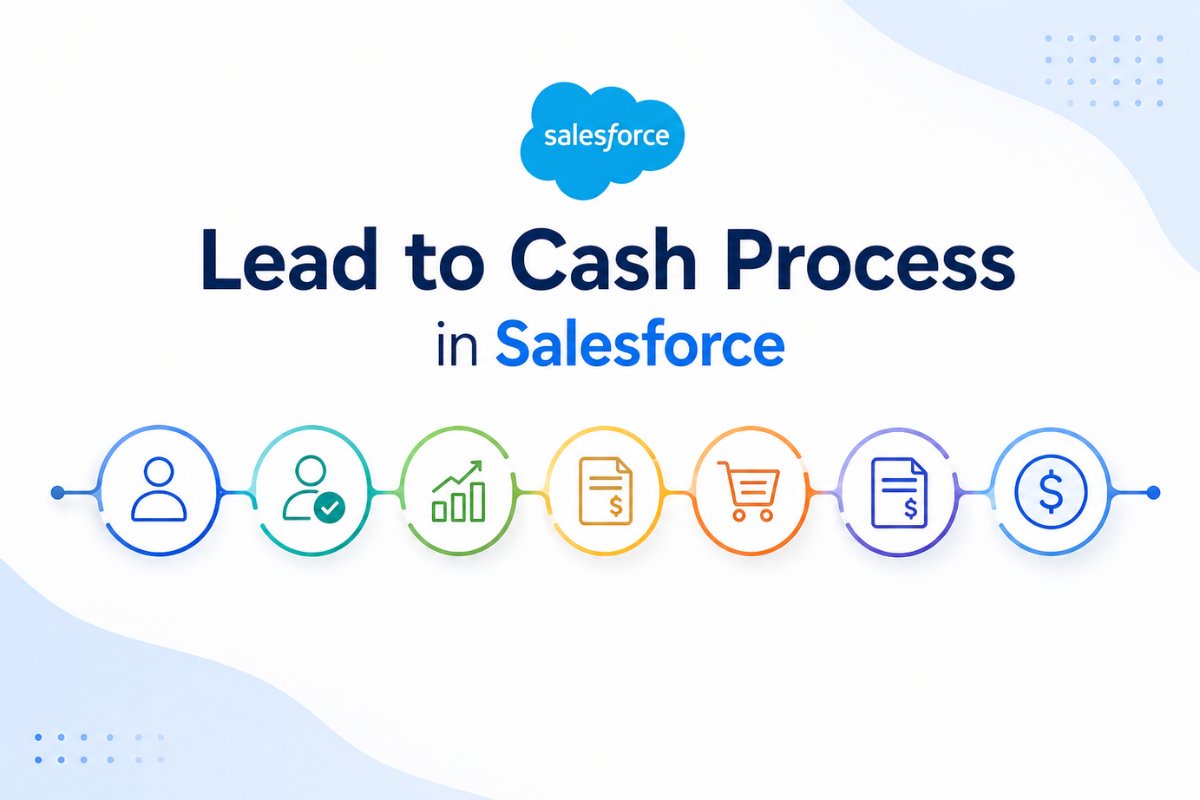
Lead → Qualification → Opportunity → Quote → Order → Invoice → Payment

How Salesforce Helps in Lead to Cash

Salesforce simplifies this process by:

  • centralizing all data
  • automating workflows
  • connecting sales and finance teams
  • reducing manual effort

Key Salesforce Products Used

  • Sales Cloud
  • CPQ
  • Billing
  • Integration tools

Benefits of Lead to Cash Automation

When implemented properly, the process provides:

1. Faster sales cycles

Deals close quicker with automation

2. Better data accuracy

No duplicate or missing data

3. Improved customer experience

Faster response and billing

4. Increased revenue

More efficient conversion and payment process

Common Mistakes to Avoid

Many beginners make these mistakes:

  • skipping lead qualification
  • using manual processes
  • not integrating billing systems
  • poor data management

When Should You Use Lead to Cash in Salesforce

Use this process if:

  • your business has a structured sales cycle
  • you deal with quotes and invoices
  • you want to automate revenue operations

Final Thoughts

The lead to cash process in Salesforce is not just a sales workflow. It is a complete system that connects marketing, sales, and finance.

If implemented correctly, it can:

  • improve efficiency
  • reduce errors
  • increase revenue

The key is to understand each stage and automate it step by step.

TAGGED:cpq salesforcelead to cash salesforcequote to cashsalesforce automationsalesforce sales process
Share This Article
Facebook Email Print
ByNeha Panwar
Salesforce Developer and Technical Writer
Follow:
Neha Panwar is a Salesforce developer and technical writer who creates practical learning resources for Salesforce administrators and developers. She specializes in Salesforce Administration, Apex, Lightning Web Components (LWC), Flow, integrations, and automation. Through Salesforce Corner, she publishes step-by-step tutorials, coding guides, and real-world solutions designed to help readers understand Salesforce concepts and apply them in projects with confidence.
Leave a Comment Leave a Comment

Leave a Reply Cancel reply

Your email address will not be published. Required fields are marked *

Latest Post

Salesforce escalation rules guide
Salesforce Escalation Rules: A Complete Guide
Salesforce Admin
Salesforce case assignment rules setup
Salesforce Case Assignment Rules Best Practices: Setup
Salesforce Admin
Salesforce approval process diagram
Salesforce Approval Process: A Practical Guide with Real Business Examples
Salesforce Admin
Salesforce relationship comparison infographic
Master-Detail or Lookup? Choosing the Right Relationship in Salesforce
Salesforce Admin
Salesforce dynamic forms interface illustration
Salesforce Dynamic Forms: A Better Way to Show and Hide Fields
Salesforce Flow

Stay Updated with Salesforce Tutorials

Get the latest Salesforce guides, tutorials, and developer tips delivered to your inbox.
slaesforce corner mascot

Explore More Topics

  • salesforce admin
  • salesforce developer
  • Salesforce Admin
  • salesforce tutorial
  • salesforce automation
  • Salesforce Development
  • salesforce apex
  • Apex Development
  • salesforce security
  • lightning web components
  • Lightning Web Components
  • salesforce lwc
  • Salesforce Tutorials
  • Salesforce Tools
  • salesforce best practices
horizontal-dark-transparent

Learn Salesforce development with practical tutorials, Apex guides, integration examples, and real-world solutions for developers.

  • Quick Links:
  • About
  • Contact
  • Privacy Policy
  • Disclaimer
  • Terms & Conditions
Facebook Twitter Youtube Linkedin-in

Salesforce Corner © 2026

Welcome Back!

Sign in to your account

Username or Email Address
Password

Lost your password?