





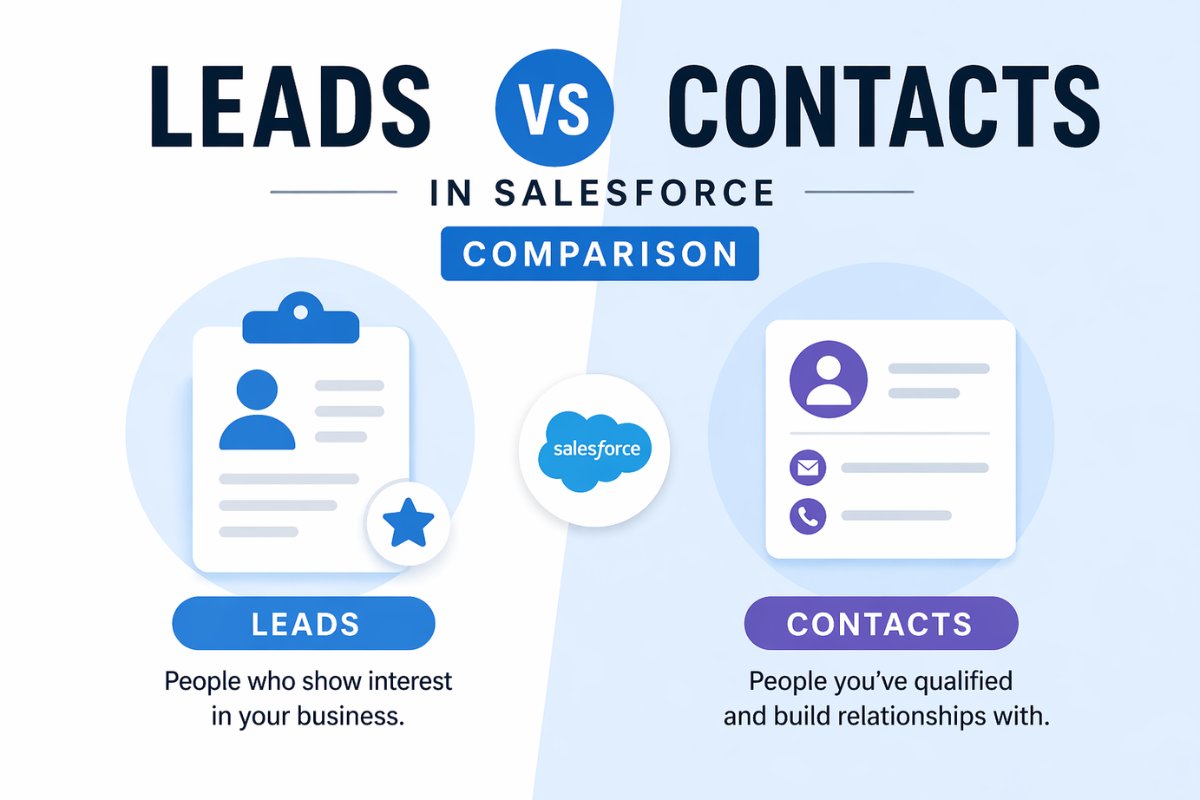
If you are starting with Salesforce, one of the most confusing concepts is understanding leads vs contacts in Salesforce.
At first, both look similar. They store customer information, include names, emails, and company details. But they serve very different purposes in the sales process.
In this guide, you will clearly understand the difference, common mistakes, and how to use both correctly in real projects.
Common Problems Users Face
Before understanding the difference, let’s look at typical issues.
1. Storing all data as contacts
Many beginners skip leads and directly create contacts. This breaks the sales pipeline.
2. Duplicate data
The same person exists as both a lead and a contact, creating confusion.
3. Poor lead tracking
Without using leads, you cannot track potential customers properly.
4. Wrong sales process setup
Teams struggle to manage conversions from potential customers to actual customers.
These problems happen when you do not understand the purpose of leads and contacts.
What is a Lead in Salesforce
A lead represents a potential customer who has shown interest but is not yet qualified.
Key Characteristics of Leads
- Early stage prospect
- Not verified or qualified
- Used for marketing and sales outreach
- Can be converted into contact, account, and opportunity
Example
Someone fills out a website form or downloads an ebook.
They are added as a lead because:
- you do not know if they are a real buyer yet
- they need to be qualified
What is a Contact in Salesforce
A contact represents a person who is already associated with a known business or account.
Key Characteristics of Contacts
- Qualified customer or prospect
- Linked to an account
- Part of ongoing business relationship
- Used in sales and customer management
Example
After a sales rep verifies a lead and confirms interest:
- the lead is converted
- it becomes a contact
Leads vs Contacts in Salesforce: Key Differences
Here is a clear comparison of leads vs contacts in Salesforce:
| Feature | Leads | Contacts |
|---|---|---|
| Stage | Early stage | Qualified stage |
| Relationship | Not linked to account | Linked to account |
| Purpose | Prospect tracking | Customer management |
| Data quality | Unverified | Verified |
| Conversion | Can be converted | Already converted |
| Usage | Marketing and initial sales | Ongoing sales and support |
Lead Conversion Explained
One of the most important concepts is lead conversion.
When a lead is qualified:
- Lead → Contact
- Lead → Account
- Lead → Opportunity
This process helps move a person from potential to actual business.
When to Use Leads
Use leads when:
- you collect data from forms
- you run marketing campaigns
- you are not sure about customer intent
- you want to track potential buyers
Example
You run a campaign and get 500 signups.
All should be stored as leads.
When to Use Contacts
Use contacts when:
- the person is verified
- you have ongoing communication
- they belong to a company or account
- you are working on deals
Example
A sales rep talks to a lead and confirms interest.
That lead should be converted into a contact.
Real World Scenario
Let’s understand this with a simple flow.
Step 1
A user fills a website form → becomes a lead
Step 2
Sales team contacts and qualifies → lead is valid
Step 3
Lead is converted → becomes contact
Step 4
Opportunity is created → deal is tracked
This is how a proper sales pipeline works.
Common Mistakes to Avoid
1. Skipping leads completely
Always use leads for early stage data.
2. Not converting leads
Leads should not stay forever. Convert them once qualified.
3. Creating duplicate records
Avoid having same person in both objects.
4. No clear process
Define when to convert a lead.
Best Practices
- Always start with leads for new prospects
- Convert leads once qualified
- Use duplicate rules to avoid data issues
- Train your team on lead lifecycle
Final Thoughts
Understanding leads vs contacts in Salesforce is essential for building a proper sales process.
A simple way to remember:
- Leads are potential customers
- Contacts are confirmed customers or prospects
If you use both correctly, your data stays clean and your sales process becomes much more efficient.


