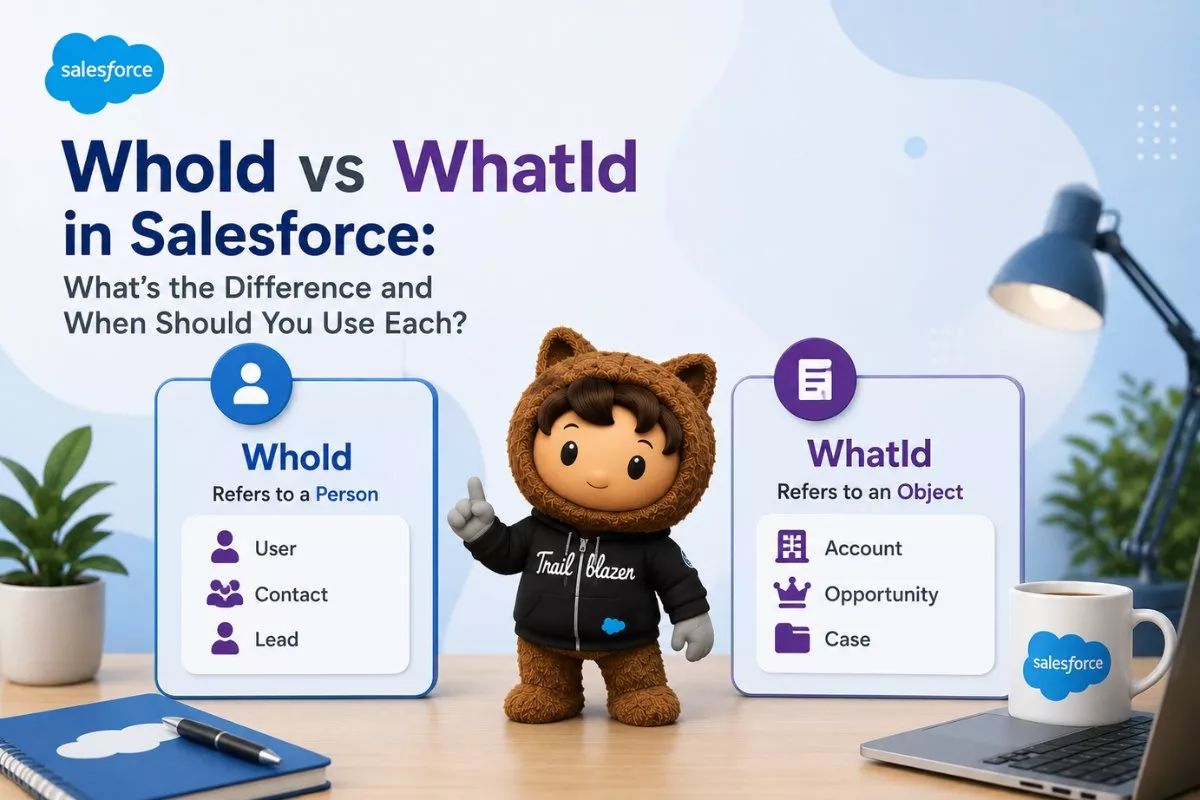
If you’ve ever created a Task or Event in Salesforce, you’ve probably seen the Name and Related To fields. Behind these two fields are the API names WhoId and WhatId. Understanding the difference between them is important for Salesforce Admins, Developers, and anyone working with automation or Apex.
Although both fields are used on Activities, they serve completely different purposes. Choosing the wrong field can lead to incorrect relationships, reporting issues, or unexpected behavior in Flows and Apex.
In this guide, you’ll learn what WhoId vs WhatId in Salesforce means, how these fields work, supported objects, practical examples, Apex code, and common interview questions.
What Are Activities in Salesforce?
Before understanding WhoId and WhatId, it’s important to know how Activities work.
Activities are records used to track interactions with customers. Salesforce stores Activities using two standard objects:
- Task
- Event
Examples include:
- Phone calls
- Meetings
- Follow-up tasks
- Customer visits
- Emails
- Demos
Every Activity can be connected to a person, a business record, or both.
That’s where WhoId and WhatId come in.
What Is WhoId in Salesforce?
WhoId represents the person associated with an Activity.
Think of it as answering this question:
“Who is this activity for?”
WhoId can reference only:
- Lead
- Contact
For example:
A sales representative schedules a meeting with John Smith, who is stored as a Contact.
The meeting should be linked to John.
Here:
- WhoId → John Smith (Contact)
Another example:
A sales rep calls a Lead that hasn’t converted yet.
Here:
- WhoId → Lead Record
This field appears in Salesforce as the Name field.

Supported Objects for WhoId
Unlike lookup fields, WhoId doesn’t support every object.
It supports only:
| Object | Supported |
|---|---|
| Contact | Yes |
| Lead | Yes |
| Account | No |
| Opportunity | No |
| Case | No |
| Campaign | No |
| Custom Object | No |
This is easy to remember because WhoId always points to a person.
What Is WhatId in Salesforce?
WhatId represents the business record related to the Activity.
Instead of asking:
“Who is involved?”
It answers:
“What is this activity related to?”
Unlike WhoId, WhatId supports many different Salesforce objects.
Common examples include:
- Account
- Opportunity
- Case
- Campaign
- Contract
- Asset
- Order
- Product
- Custom Objects
Example:
A sales rep schedules a meeting with a customer regarding an Opportunity.
The Activity becomes:
WhoId → Contact
WhatId → Opportunity
Now Salesforce knows:
- Which person attended
- Which business record the meeting was about

Supported Objects for WhatId
WhatId supports many standard and custom objects.
Some common ones include:
- Account
- Opportunity
- Case
- Campaign
- Contract
- Asset
- Order
- Custom Objects
This flexibility makes WhatId much more versatile than WhoId.
WhoId vs WhatId: Key Differences
Understanding the distinction becomes much easier when you compare both fields side by side.
| Feature | WhoId | WhatId |
|---|---|---|
| Purpose | Person | Business Record |
| UI Label | Name | Related To |
| Supports Contact | Yes | No |
| Supports Lead | Yes | No |
| Supports Opportunity | No | Yes |
| Supports Account | No | Yes |
| Supports Custom Objects | No | Yes |
| Used on | Task & Event | Task & Event |
Most interview questions are based on this comparison alone.

Why Are WhoId and WhatId Called Polymorphic Fields?
Both fields are known as polymorphic lookup fields.
Unlike a normal Lookup Relationship, these fields can reference multiple object types.
For example:
WhoId can reference:
- Contact
- Lead
WhatId can reference:
- Opportunity
- Account
- Case
- Campaign
- Custom Object
- Many other supported objects
Salesforce automatically determines which object the ID belongs to.
This flexibility makes Activities much more powerful.
Developers often encounter polymorphic fields while writing SOQL queries and Apex code. If you’re new to Apex programming, Apex Switch Statements vs If-Else: When and How to Use Each explains how to write cleaner business logic when working with different object types.
Real Business Example
Imagine you’re a sales representative.
You have:
Customer:
Rahul Sharma
Opportunity:
Salesforce Implementation Project
You schedule a meeting.
Salesforce stores:
WhoId → Rahul Sharma (Contact)
WhatId → Salesforce Implementation Project (Opportunity)
Later, anyone viewing the Opportunity can immediately see every meeting, email, and phone call related to that deal.
Similarly, anyone opening Rahul’s Contact record can also see the same Activity history.
This is one reason Salesforce Activity Management is so powerful.
Working with WhoId and WhatId in Apex
Developers frequently use WhoId and WhatId while creating Tasks, Events, Flows, integrations, and custom automation. Since both fields are polymorphic, your code should always handle them carefully.
Here’s a simple Apex example that creates a follow-up task for a Contact and links it to an Opportunity.
Task followUp = new Task(
    Subject = 'Follow-up Call',
    Status = 'Not Started',
    Priority = 'Normal',
    WhoId = '003XXXXXXXXXXXXXXX',
    WhatId = '006XXXXXXXXXXXXXXX'
);

insert followUp;
In this example:
- WhoId references the Contact.
- WhatId references the Opportunity.
When users open either record, they’ll see the same activity in the Activity Timeline.
If you’re working with automation that creates Tasks from Apex, understanding trigger behavior is equally important. How to Prevent Recursive Triggers in Salesforce Apex explains how to avoid common recursion problems while creating or updating activity records.
Querying WhoId and WhatId Using SOQL
Fetching activity records is straightforward.
List<Task> tasks = [
    SELECT Subject,
           WhoId,
           WhatId,
           ActivityDate,
           Status
    FROM Task
    WHERE Status = 'Not Started'
];
You can also retrieve relationship fields.
List<Task> tasks = [
    SELECT Subject,
           Who.Name,
           What.Name
    FROM Task
];
Salesforce automatically resolves the related object when possible.
However, remember that What could represent different object types, so avoid assuming it’s always an Opportunity or Account.
Image Prompt (Place Here)

Automatic Account Population
One Salesforce feature that surprises many beginners is automatic Account assignment.
Suppose:
- WhoId → Contact
- Contact belongs to ABC Corporation
Salesforce automatically fills the Activity’s Account field.
Another scenario:
- WhatId → Opportunity
Since every Opportunity belongs to an Account, Salesforce automatically identifies the correct Account from the Opportunity.
Because of this automatic relationship handling, reports become much easier to build.
What Happens If WhoId Points to a Lead?
This is another common interview question.
If WhoId references a Lead, the Related To (WhatId) field is unavailable.
Why?
Because Leads are not associated with Accounts.
Without an Account relationship, Salesforce cannot determine the business record associated with the Activity.
After Lead conversion:
- WhoId becomes the Contact.
- WhatId can reference Opportunity, Account, or another supported object.

Common Mistakes Developers Make
Although the concept is simple, these mistakes appear frequently in real projects.
Using WhatId for Contacts
Incorrect:
WhatId = Contact.IdCorrect:
WhoId = Contact.IdUsing WhoId for Opportunities
Incorrect:
WhoId = Opportunity.IdCorrect:
WhatId = Opportunity.IdAssuming WhatId Always References an Opportunity
WhatId can point to many object types.
Always check the object type before processing records.
Forgetting Null Checks
Some Tasks may contain:
- Only WhoId
- Only WhatId
- Both fields
- Neither field
Always verify values before accessing relationships.
Best Practices
Follow these recommendations while designing automation or writing Apex.
- Use WhoId only for Leads and Contacts.
- Use WhatId for business records like Opportunities, Cases, Accounts, Campaigns, and Custom Objects.
- Avoid hardcoding record IDs.
- Handle null values safely.
- Test activities with different object combinations.
- Document your automation so admins understand the relationship logic.
These practices improve maintainability and reduce production issues.
Frequently Asked Questions
What is WhoId in Salesforce?
WhoId is an Activity field that references a Contact or Lead. It identifies the person associated with a Task or Event.
What is WhatId in Salesforce?
WhatId references business records such as Opportunities, Accounts, Cases, Campaigns, and Custom Objects.
Can a Task have both WhoId and WhatId?
Yes. A Task or Event can contain both fields at the same time, allowing Salesforce to track both the person involved and the related business record.
Why are WhoId and WhatId called polymorphic fields?
Because they can reference multiple object types instead of only one object.
Final Thoughts
Although WhoId and WhatId look similar, they solve two different business problems.
WhoId identifies who the Activity is for, while WhatId identifies what the Activity is about. Together, these fields allow Salesforce to build a complete history of customer interactions across Leads, Contacts, Opportunities, Cases, Accounts, Campaigns, and many other records.
Whether you’re building Flows, writing Apex code, creating reports, or preparing for Salesforce interviews, understanding these two fields will help you design cleaner automation and maintain accurate Activity relationships.
If you’re exploring more Apex concepts, 20 Apex String Methods Every Salesforce Developer Should Know, Apex Switch Statements vs If-Else: When and How to Use Each, and How to Prevent Recursive Triggers in Salesforce Apexare excellent next reads.