If you are learning Salesforce Sales Cloud, one process you absolutely need to understand is Lead Conversion.
Because this is the exact moment where a simple inquiry officially becomes part of the real sales pipeline.
And honestly, this is one of the most important business workflows inside Salesforce.
I have seen many beginners understand Leads separately and Opportunities separately, but they get confused when Salesforce suddenly creates Accounts, Contacts, and Opportunities together during conversion.
Questions like:
- What actually happens during Lead conversion?
- Why does Salesforce create multiple records?
- Can we convert into existing Accounts?
- What happens to the original Lead?
- Why is Opportunity creation optional?
These are very common beginner doubts.
In this guide, we will understand the complete Salesforce Lead Conversion process step by step using practical examples and real business scenarios.
What is Lead Conversion in Salesforce?
Lead Conversion in Salesforce is the process of converting a qualified Lead into:
- Account
- Contact
- Opportunity
This happens when the sales team confirms that the Lead is a genuine business prospect.
In simple words:
Before conversion:
The person is only a potential customer.
After conversion:
The person officially becomes part of the sales process.
This is how Salesforce moves inquiries into real business relationships.
The Simplest Way to Understand Lead Conversion
You can think of the process like this:
Lead = Interested person
Converted Lead = Actual business relationship
That is the core idea behind Lead Conversion.
Real Business Example of Lead Conversion
Let’s understand this with a practical example.
Suppose your company provides Salesforce consulting services.
A visitor fills your website form saying:
“I want Salesforce CRM implementation for my business.”
Initially, Salesforce creates a Lead record.
At this point:
- The inquiry may or may not be genuine
- Budget is unknown
- Requirement is not fully verified
- The company may still be researching
Now the sales team contacts the person.
After discussions, they confirm:
- The business genuinely needs Salesforce
- Budget is approved
- Timeline is finalized
- Decision makers are involved
Now this is no longer just a simple inquiry.
This becomes a real sales opportunity.
Salesforce now converts the Lead into:
- Account
- Contact
- Opportunity
This process is called Lead Conversion.
Why Salesforce Uses Lead Conversion
Many beginners ask:
Why not directly create Accounts and Opportunities?
Because not every Lead becomes a customer.
Companies receive inquiries from:
- Students
- Competitors
- Researchers
- Fake submissions
- People comparing vendors
- Businesses without budget
If companies directly create Opportunities for every inquiry, the CRM becomes messy very quickly.
Leads help businesses filter serious prospects before adding them into the actual sales pipeline.
This keeps forecasting clean and reliable.
What Happens During Lead Conversion?
When you click the Convert button in Salesforce, multiple things happen behind the scenes automatically.
1. The Lead Gets Converted
The Lead status changes to Converted.
The original Lead record still exists in Salesforce for historical reporting purposes, but it no longer behaves like an active Lead.
Important Note
Once a Lead is converted in Salesforce, standard Salesforce functionality does not allow reversing it back into an unconverted Lead.
This is why companies usually define qualification rules carefully before conversion.
2. Salesforce Creates an Account
An Account represents the company or organization.
Example:
ABC Technologies Pvt Ltd
This Account becomes the parent business record for future activities.
3. Salesforce Creates a Contact
A Contact represents the actual individual person.
Example:
Rahul Sharma
The Contact gets linked to the Account automatically.
4. Salesforce Creates an Opportunity
An Opportunity represents the actual business deal.
Example:
Salesforce CRM Implementation Project
This Opportunity is now used for:
- Revenue forecasting
- Pipeline tracking
- Sales stages
- Proposal management
- Deal closure
Important Note
Opportunity creation during Lead conversion is optional.
Some companies only create:
- Account
- Contact
and create Opportunities later after additional qualification.
Step by Step Salesforce Lead Conversion Process
Now let’s see how conversion actually happens inside Salesforce Lightning.
Step 1: Open the Lead Record
Go to the Leads tab and open the qualified Lead.
Typical fields may include:
- Name
- Company
- Phone
- Lead Source
Step 2: Click the Convert Button
At the top right corner of the Lead record, click:
Convert
Salesforce now opens the Lead Conversion screen.
Step 3: Choose Account Creation Option
Salesforce asks whether you want to:
- Create a new Account
- Attach to an existing Account
This is extremely useful for avoiding duplicate company records.
For example:
If “ABC Technologies” already exists, Salesforce may automatically suggest the existing Account.
Step 4: Choose Contact Creation Option
Salesforce also checks for existing Contacts.
You can:
- Create a new Contact
- Attach to an existing Contact
This helps maintain clean CRM data.
Step 5: Create an Opportunity
Now Salesforce asks whether you want to create an Opportunity.
Usually companies enable this because they want to track the deal immediately.
However, some businesses skip Opportunity creation if:
- Discussions are still early
- The Lead is only informational
- Additional qualification is pending
Step 6: Select Converted Status
Now choose the converted Lead status.
Examples:
- Qualified
- Converted
- Closed Converted
This helps businesses track conversion reporting properly.
Step 7: Complete Conversion
Click Convert.
Salesforce automatically creates:
- Account
- Contact
- Opportunity
and links all records together.
Salesforce Lead Conversion Flow
Here is the simplest way to visualize the process:
Website Form → Lead → Qualification → Conversion → Account + Contact + Opportunity
This workflow powers thousands of sales teams globally.
A Common Confusion Beginners Have
Many beginners think the Lead simply changes into a Contact.
But Salesforce actually creates multiple connected records.
The Lead itself remains stored for reporting purposes, while Salesforce creates entirely new CRM records like:
- Account
- Contact
- Opportunity
This structure is what makes Salesforce CRM powerful for long term customer management.
If you want deeper clarity on how differ inside Salesforce, our practical guide on leads vs contacts explains this entire structure using real business examples.
Can You Convert a Lead Without Creating an Opportunity?
Yes.
This is something many beginners do not know.
Salesforce allows Lead conversion without Opportunity creation.
This usually happens when:
- Relationship building is still ongoing
- Enterprise discussions take longer
- Qualification is partial
- The company wants account creation first
In such cases Salesforce only creates:
- Account
- Contact
without creating an Opportunity.
Can Salesforce Convert into Existing Records?
Yes, and this is one of the most useful Salesforce features.
Suppose an Account already exists:
ABC Technologies
Instead of creating duplicates, Salesforce can attach the converted Lead to the existing Account.
The same applies to existing Contacts.
This helps maintain clean CRM data.
What Happens to the Original Lead After Conversion?
Many beginners think Salesforce deletes the Lead after conversion.
It does not.
The Lead still exists in Salesforce for:
- Historical tracking
- Reporting
- Conversion analytics
- Marketing analysis
However:
- The Lead becomes read only
- Status changes to Converted
- It no longer behaves like an active Lead
Lead Field Mapping in Salesforce
One very important concept during conversion is Lead Field Mapping.
Salesforce transfers Lead data into:
- Account fields
- Contact fields
- Opportunity fields
Standard fields map automatically.
Example:
| Lead Field | Converted To |
|---|---|
| Company | Account Name |
| Lead Name | Contact Name |
| Contact Email | |
| Phone | Contact Phone |
What About Custom Fields?
This is where many beginners make mistakes.
Custom Lead fields do not automatically transfer unless field mapping is configured properly.
For example:
Custom Lead Field:
Business Size
If mapping is not configured, this data may not transfer into Account or Opportunity records.
Admins must manually configure custom field mapping.
Important Note
Salesforce does not automatically map custom fields during Lead conversion unless administrators configure Lead Field Mapping settings.
This becomes very important in real enterprise implementations.
What I Have Seen in Real Salesforce Projects
One thing I have consistently noticed across Salesforce implementations is that companies usually struggle more with process clarity than with Salesforce itself.
For example:
- Sales reps convert Leads too early
- Duplicate Accounts get created
- Opportunity stages remain outdated
- Low quality Leads enter the pipeline
- Teams skip qualification processes
Slowly the CRM becomes unreliable.
The companies that succeed usually have:
- Clear Lead qualification rules
- Structured sales stages
- Defined ownership
- Good automation
- Clean reporting standards
Honestly, these operational decisions matter more than most beginners realize.
Common Lead Conversion Mistakes
After working on multiple Salesforce projects, I have repeatedly seen these mistakes.
Creating Opportunities Too Early
Many teams create Opportunities before proper qualification.
This creates inaccurate pipeline forecasting later.
A better approach is defining proper qualification rules first.
Ignoring Lead Source Tracking
Lead Source data is extremely valuable for marketing analytics.
Examples:
- Google Ads
- Webinar
- Organic Search
- Referral
Without proper Lead Source tracking, measuring marketing ROI becomes difficult.
Creating Duplicate Accounts
Sales reps sometimes create new Accounts even when records already exist.
This creates long term CRM cleanup problems.
Poor Opportunity Naming
Many beginners use generic names like:
“Opportunity 1”
Instead, use meaningful names.
Example:
ABC Technologies Salesforce Implementation 2026
This improves reporting and pipeline visibility significantly.
How Automation Improves Lead Conversion
Modern Salesforce organizations automate many Lead management processes.
For example:
- Automatic Lead assignment
- Follow up reminders
- Welcome emails
- Opportunity creation
- Task generation
- Sales notifications
Most companies now use Salesforce Flow automation for these workflows.
If you are learning Salesforce automation, understanding salesforce flow for beginners becomes extremely important because modern Salesforce orgs rely heavily on it for business process automation.
Web to Lead Makes Lead Capture Easier
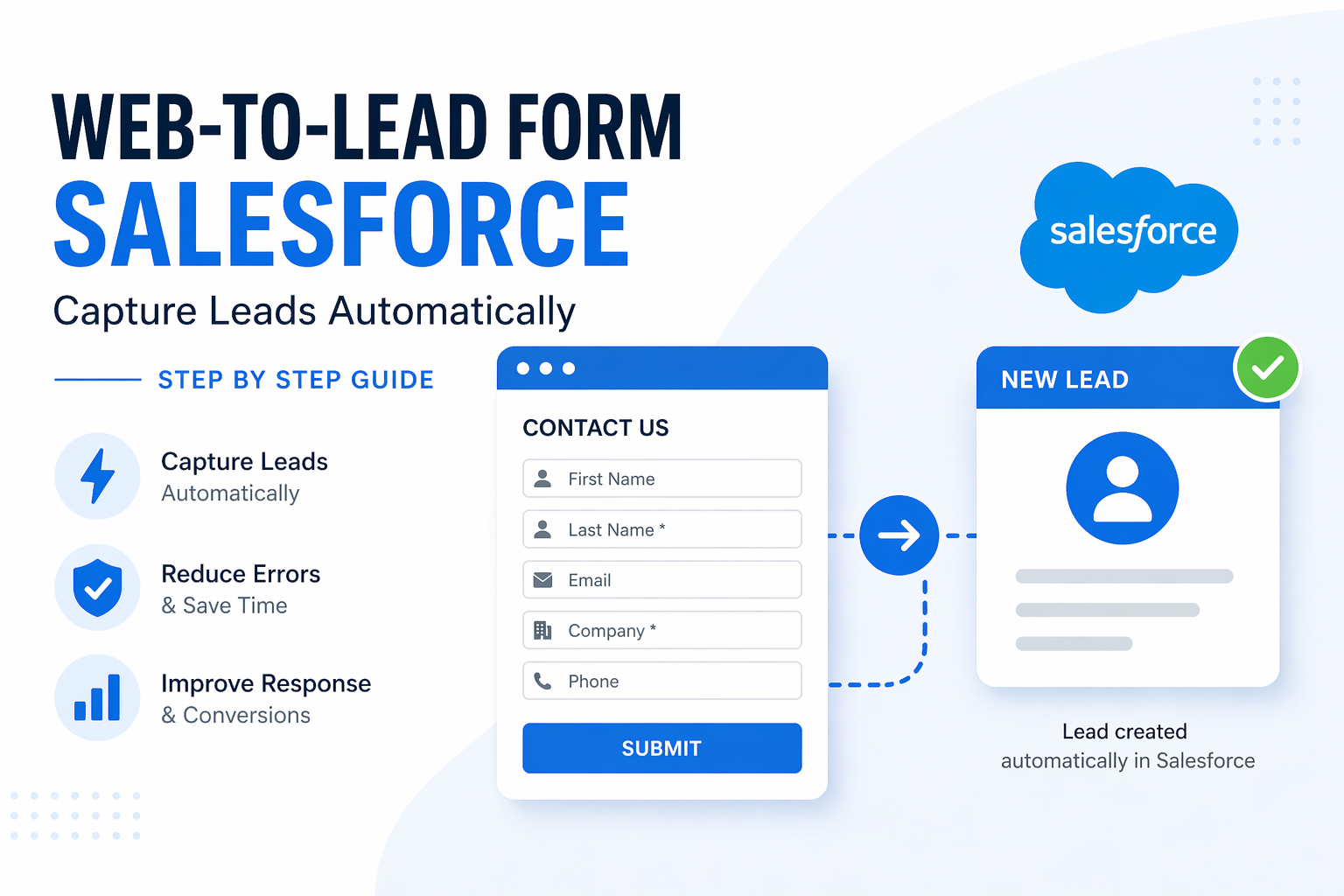
Many businesses automatically capture website inquiries using Web to Lead forms in Salesforce.
Instead of manually entering Leads, Salesforce directly creates Lead records from website submissions.
This saves huge manual effort for sales teams.
We explained the complete setup process practically in our Salesforce web to lead tutorial including form generation and website integration.
Best Practices for Salesforce Lead Conversion
Here are some practical recommendations based on real project experience.
Define Qualification Rules Clearly
Sales and marketing teams should clearly define:
- Budget validation
- Decision maker confirmation
- Timeline expectations
- Requirement clarity
This improves conversion quality significantly.
Keep Opportunity Stages Clean
Opportunity stages should reflect actual sales progress.
Example:
- Qualification
- Discovery
- Proposal
- Negotiation
- Closed Won
- Closed Lost
Avoid unnecessary complexity.
Maintain Proper Security Access
As sales teams grow, proper access control becomes important.
This is where Salesforce Roles and Profiles help companies manage visibility and permissions properly across teams.
Why Understanding Lead Conversion Matters
Once beginners understand Lead Conversion properly, Salesforce starts making much more business sense.
Because now you understand:
- Why Leads exist
- Why qualification matters
- Why Opportunities drive forecasting
- Why CRM structure matters
- Why clean pipelines are important
And honestly, this workflow becomes the foundation for understanding Salesforce Sales Cloud properly.
Almost every real sales process eventually depends on Lead Conversion.
FAQ
What records are created after Lead conversion in Salesforce?
When a Lead is converted in Salesforce, the platform usually creates three records automatically: Account, Contact, and Opportunity. The Account represents the company, the Contact represents the individual person, and the Opportunity represents the actual sales deal. However, Opportunity creation is optional during conversion.
Can we convert a Lead without creating an Opportunity?
Yes, Salesforce allows Lead conversion without Opportunity creation. Many companies use this approach when discussions are still early or when they want to create Accounts and Contacts first before tracking a formal sales deal.
Can a converted Lead be reverted back in Salesforce?
No, standard Salesforce functionality does not allow reversing a converted Lead back into an unconverted Lead. This is why companies carefully define Lead qualification rules before allowing sales teams to perform conversions.
What happens to the original Lead after conversion?
The original Lead record still exists in Salesforce after conversion, but its status changes to Converted. Users cannot use it as an active Lead anymore, but Salesforce keeps it available for reporting, analytics, and historical tracking purposes.
Why is Lead Conversion important in Salesforce?
Lead Conversion helps businesses separate unqualified inquiries from genuine business opportunities. It improves CRM organization, keeps forecasting accurate, and helps sales teams focus only on qualified prospects with real buying potential.