





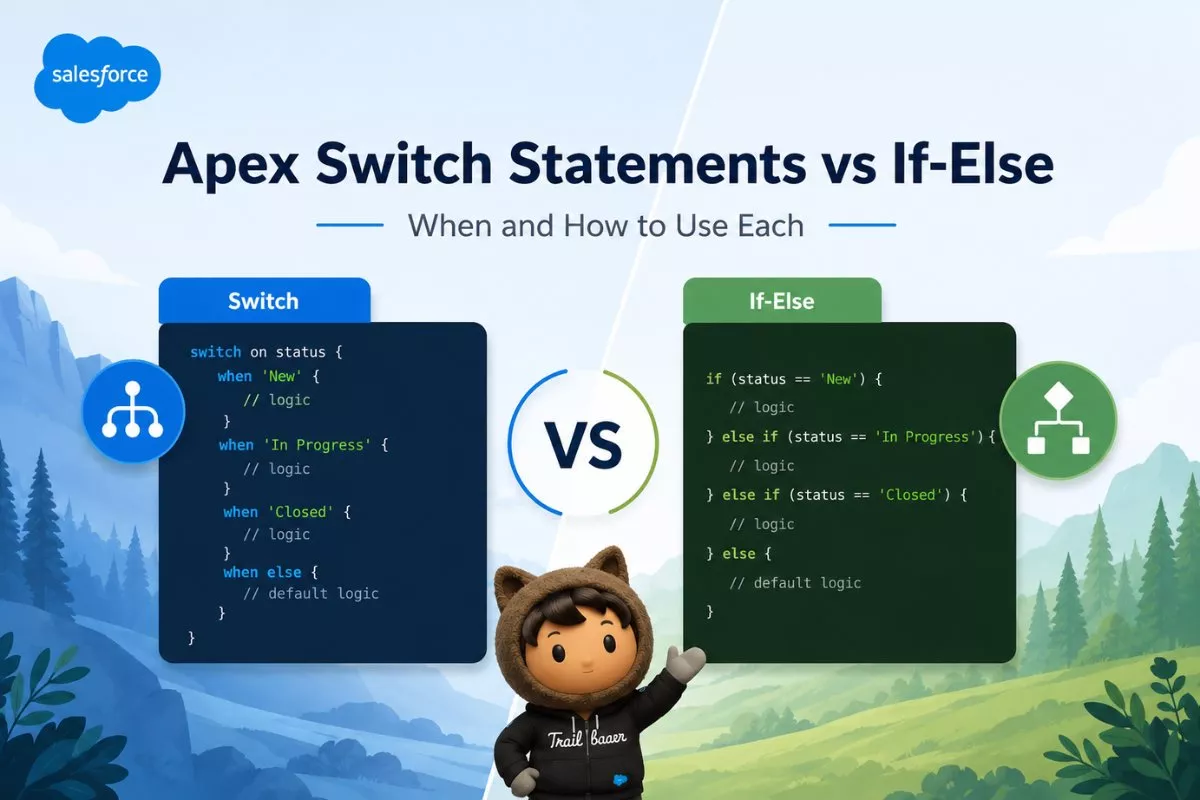
Writing clean, readable, and maintainable Apex code is just as important as writing code that works. One decision every Salesforce developer eventually faces is choosing between an if-else statement and an Apex switch statement. Although both control the execution flow of your code, they are designed for different situations.
Understanding Apex Switch Statements vs If-Else helps you write code that is easier to read, simpler to maintain, and less prone to errors. While an if-else statement can evaluate almost any logical expression, a switch statement is ideal when a single variable must be compared against multiple known values.
In this guide, you’ll learn how Apex switch statements work, how they differ from if-else statements, real-world Salesforce examples, performance considerations, and best practices for deciding which approach to use.
What Is an If-Else Statement in Apex?
An if-else statement executes different blocks of code depending on whether a condition evaluates to true or false.
It is the most commonly used decision-making statement in Apex because it supports complex logical expressions, multiple variables, comparison operators, and nested conditions.
A simple example looks like this:
Integer score = 85;

if(score >= 90){
    System.debug('Grade A');
}
else if(score >= 75){
    System.debug('Grade B');
}
else{
    System.debug('Grade C');
}
Here, Apex evaluates each condition from top to bottom until one becomes true.
Because of this flexibility, if-else statements remain the preferred choice whenever business logic depends on multiple conditions instead of a single value.
What Is an Apex Switch Statement?
The Apex switch statement was introduced to simplify long if-else chains that repeatedly compare one variable against several possible values.
Instead of checking the same variable multiple times, the switch statement evaluates it once and executes the matching when block.
Basic syntax:
switch on status {

    when 'New'{
        System.debug('Create Task');
    }

    when 'Working'{
        System.debug('Assign Queue');
    }

    when 'Closed'{
        System.debug('Send Email');
    }

    when else{
        System.debug('Unknown Status');
    }
}
Unlike Java, Apex does not require break statements because there is no fall-through behavior. After one matching block executes, the switch statement exits automatically.

Supported Data Types in Apex Switch Statements
Apex switch statements don’t support every data type.
Currently, you can switch on:
- Integer
- Long
- String
- Enum
- sObject
- Null values
Unlike if-else statements, Boolean expressions cannot be used directly in a switch statement.
Apex Switch Statements vs If-Else
| Feature | If-Else | Switch Statement |
|---|---|---|
| Complex Conditions | Yes | No |
| Multiple Variables | Yes | No |
| Compare One Variable | Yes | Excellent |
| Cleaner Syntax | Medium | Excellent |
| Nested Logic | Yes | Limited |
| Requires Repeated Comparisons | Yes | No |
| Fall Through | No | No |
| Readability | Medium | High |
When several conditions depend on the same variable, the switch statement is usually easier to understand.
However, if your logic combines ranges, mathematical operators, or multiple variables, if-else remains the better option.
When Should You Use If-Else?
If-else statements work best whenever conditions become more dynamic.
Examples include:
- Multiple logical operators
- Numeric ranges
- Date comparisons
- Multiple variable checks
- Boolean expressions
Example:
Decimal discount = 18;
Boolean premiumCustomer = true;

if(discount > 15 && premiumCustomer){

    System.debug('Extra Discount');

}
else{

    System.debug('Standard Pricing');

}
A switch statement cannot replace this logic because it evaluates only one expression.
When Should You Use an Apex Switch Statement?
Switch statements shine when one variable determines multiple execution paths.
Typical Salesforce examples include:
- Opportunity Stage
- Case Status
- Lead Status
- Trigger.operationType
- Custom Enums
- sObject Type
Instead of repeating the same variable in every condition, the switch statement evaluates it only once.
Example:
String priority = 'High';

switch on priority{

    when 'Low'{

        System.debug('Normal Queue');

    }

    when 'Medium'{

        System.debug('Priority Queue');

    }

    when 'High'{

        System.debug('Escalation Queue');

    }

    when else{

        System.debug('Manual Review');

    }

}
The code is shorter, easier to scan, and much simpler to maintain.
Developers working on larger Apex projects should also understand Salesforce Technical Debt: What It Is and How to Reduce It because replacing long if-else chains with switch statements can significantly improve long-term code maintainability.
Real-World Example: Opportunity Stage
Many beginners write code like this:
if(opp.StageName == 'Prospecting'){

}

else if(opp.StageName == 'Qualification'){

}

else if(opp.StageName == 'Proposal'){

}

else if(opp.StageName == 'Closed Won'){

}
Although this works perfectly, the same logic becomes much cleaner with a switch statement:
switch on opp.StageName{

    when 'Prospecting'{

    }

    when 'Qualification'{

    }

    when 'Proposal'{

    }

    when 'Closed Won'{

    }

    when else{

    }

}
Besides improving readability, this approach also reduces repetitive code.
Multiple Values in One When Block
One useful feature of Apex switch statements is grouping several values together.
Example:
switch on userRole{

    when 'Admin','System Admin'{

        System.debug('Full Access');

    }

    when 'Sales','Marketing'{

        System.debug('Business User');

    }

    when else{

        System.debug('Restricted User');

    }

}
Grouping values keeps your code concise without sacrificing readability.
Apex Switch Statement with Enum
Enums are one of the best use cases for Apex switch statements. Since enum values are predefined, switch makes the code cleaner and easier to maintain.
Example:
public enum OrderStatus{
    New,
    Processing,
    Shipped,
    Delivered,
    Cancelled
}

OrderStatus status = OrderStatus.Processing;

switch on status{

    when New{
        System.debug('Create Order');
    }

    when Processing{
        System.debug('Prepare Shipment');
    }

    when Shipped{
        System.debug('Send Tracking Number');
    }

    when Delivered{
        System.debug('Close Order');
    }

    when Cancelled{
        System.debug('Issue Refund');
    }

    when else{
        System.debug('Unknown Status');
    }
}
This approach is far more readable than writing multiple if-else conditions for every enum value.
Apex Switch Statement with sObjects
One unique feature of Apex switch statements is support for sObject types. This allows you to determine the object type without using multiple instanceof checks.
Instead of writing:
if(record instanceof Account){

    Account acc = (Account)record;

}
else if(record instanceof Contact){

    Contact con = (Contact)record;

}
else{

    System.debug('Unknown');

}
You can simply write:
switch on record{

    when Account acc{

        System.debug('Account Name : ' + acc.Name);

    }

    when Contact con{

        System.debug('Contact Name : ' + con.LastName);

    }

    when Lead lead{

        System.debug('Lead Name : ' + lead.Company);

    }

    when else{

        System.debug('Unsupported Object');

    }

}
This is much cleaner and removes unnecessary casting.
Using Switch Statement Inside Apex Triggers
Switch statements are commonly used with Trigger.operationType.
Example:
trigger AccountTrigger on Account(
    before insert,
    before update,
    before delete,
    after insert,
    after update
){

    switch on Trigger.operationType{

        when BEFORE_INSERT{

            System.debug('Before Insert Logic');

        }

        when BEFORE_UPDATE{

            System.debug('Before Update Logic');

        }

        when BEFORE_DELETE{

            System.debug('Before Delete Logic');

        }

        when AFTER_INSERT{

            System.debug('After Insert Logic');

        }

        when AFTER_UPDATE{

            System.debug('After Update Logic');

        }

        when else{

            System.debug('Other Operation');

        }

    }

}
If you’re learning Apex development, you should also read Apex Trigger Tutorial for Beginners in Salesforce to understand where switch statements fit into trigger frameworks.
Performance: Apex Switch Statements vs If-Else
Many developers assume that switch statements are significantly faster than if-else statements.
In reality, the performance difference is usually very small.
Salesforce recommends choosing the option that improves readability rather than trying to optimize execution time.
Generally:
- Small conditions perform almost identically.
- Long if-else chains become harder to maintain.
- Switch statements reduce repeated comparisons.
- Cleaner code usually results in fewer future bugs.
For enterprise projects, maintainability matters far more than microseconds.
Common Mistakes Developers Make
Using Switch for Complex Conditions
Bad approach:
switch on amount > 1000{

}
Switch cannot evaluate Boolean expressions.
Use if-else instead.
Forgetting the when else Block
Although optional, always include a when else block. It prevents unexpected behavior when new values are introduced later.
Using If-Else for One Variable
This is common:
if(status == 'New'){

}
else if(status == 'Working'){

}
else if(status == 'Closed'){

}
A switch statement is much cleaner here.
Writing Huge Nested If Statements
Deeply nested conditions quickly become difficult to understand.
Whenever the same variable is checked repeatedly, consider switching to a switch statement.
Best Practices
Follow these recommendations while writing Apex code:
- Use switch statements when comparing one variable against multiple fixed values.
- Use if-else for ranges, Boolean logic, or multiple variables.
- Always include a
when elseblock. - Keep each
whenblock focused on one responsibility. - Avoid deeply nested if-else chains.
- Write meaningful comments only when business logic is complex.
- Keep methods small and reusable.
Following these practices makes Apex code easier for your team to maintain.
Apex Switch Statement vs If-Else: Quick Decision Guide
| Scenario | Recommended Approach |
|---|---|
| Multiple values of one variable | Switch |
| Opportunity Stage | Switch |
| Case Status | Switch |
| Trigger.operationType | Switch |
| Enum Values | Switch |
| sObject Type | Switch |
| Multiple variables | If-Else |
| Date comparison | If-Else |
| Numeric ranges | If-Else |
| Complex business rules | If-Else |
Frequently Asked Questions
Does Apex switch support Boolean values?
No. Apex switch statements support Integer, Long, String, Enum, sObject, and null values.
Does Apex switch require break statements?
No. Apex does not support fall-through behavior, so each matching when block exits automatically.
Can Apex switch replace every if-else statement?
No. If-else statements are still required for complex conditions involving multiple variables, ranges, or logical operators.
Is switch faster than if-else in Apex?
The performance difference is minimal. Choose the option that improves readability and maintainability.
Can I use multiple values inside one when block?
Yes. Multiple values can be separated by commas.
Example:
when 'New','Open','Working'{

}
Final Thoughts
Understanding Apex Switch Statements vs If-Else helps you write cleaner, more maintainable Salesforce code. Both statements solve different problems, and neither replaces the other completely.
Choose an if-else statement whenever your logic depends on complex conditions, multiple variables, or comparison operators. On the other hand, choose an Apex switch statement when you’re comparing a single variable against several known values such as record statuses, enums, or trigger operation types.
As your Salesforce projects grow, writing readable code becomes just as important as writing functional code. Using the right control statement at the right time improves collaboration, simplifies debugging, and reduces future maintenance effort.


