


A few years ago, many Salesforce orgs followed a very common pattern.
Whenever a user needed slightly different access, admins simply created another profile.
Need report export access?
Create a new profile.
Need API access?
Create another profile.
Need temporary dashboard access?
Another profile again.
At first, this approach feels manageable.
But after a few months, the org becomes chaotic:
- dozens of similar profiles
- duplicate permissions
- deployment confusion
- security risks
- difficult user management
This is one of the biggest reasons why modern Salesforce admins now rely heavily on Permission Sets instead of creating endless custom profiles.
If you are learning Salesforce Administration, understanding Salesforce Permission Sets for Beginners is extremely important because this topic appears everywhere:
- real-world projects
- admin interviews
- certifications
- security discussions
- user onboarding processes
And honestly, this is where many beginners struggle.
Profiles, Roles, Permission Sets, Sharing Rules, and OWD often feel connected in confusing ways. However, once you understand how each layer works, Salesforce security starts becoming much easier.
In this guide, we will break everything down using simple business examples instead of textbook definitions.
The Real Reason Beginners Get Confused
Most beginners think Salesforce security works using only one setting.
But Salesforce security is layered.
For example:
- Profiles control baseline permissions
- Roles control record visibility
- Permission Sets provide additional permissions
- Sharing Rules open record access further
- OWD controls default visibility
That is why sometimes admins say:
“The user has object access but still cannot see the record.”
Or:
“The user can open the page but cannot edit the field.”
Usually, another security layer is affecting access.
If you already read Salesforce Organization-Wide Defaults (OWD) or Salesforce Validation Rules with Real Examples for Beginners, you probably noticed that Salesforce always follows a layered security model instead of a single permission system.

Understanding Profiles in Salesforce Through a Real Example
Imagine a company with:
- 30 sales representatives
- 5 support agents
- 3 finance users
All sales reps should:
- create Leads
- edit Opportunities
- access sales dashboards
- use Salesforce mobile app
Instead of manually configuring every user, the admin creates one profile called:
Sales User Profile
Now every sales rep automatically receives the same baseline permissions.
That is the main purpose of Profiles in Salesforce.
Profiles define the default permissions users need to perform their jobs.
Every Salesforce user must have exactly one profile.
Without a profile, a user cannot exist in Salesforce.
What Profiles Actually Control
Profiles mainly control:
- object permissions
- field-level security
- app visibility
- tabs
- page layouts
- record types
- login hours
- IP restrictions
- system permissions
Most admins remember this using CRUD permissions:
| Permission | Meaning |
|---|---|
| Create | Can create records |
| Read | Can view records |
| Edit | Can modify records |
| Delete | Can remove records |
For example:
| Object | Create | Read | Edit | Delete |
|---|---|---|---|---|
| Leads | Yes | Yes | Yes | No |
| Opportunities | Yes | Yes | Yes | No |
| Cases | No | Yes | No | No |
Profiles also control Field-Level Security.
For example:
- Finance users can see Revenue fields
- Sales users cannot see payroll information
- HR users can edit employee salary fields
This becomes extremely important in enterprise Salesforce environments.

The Biggest Problem With Creating Too Many Profiles
This is where many beginner admins make mistakes.
Suppose your sales team already uses:
- Sales User Profile
Now business requests start coming:
- one manager needs API access
- another manager needs export reports permission
- another user needs campaign management
Many beginners create:
- Sales User + API Profile
- Sales User + Export Profile
- Sales User + Campaign Profile
Very quickly:
- profile count increases
- maintenance becomes difficult
- deployments become risky
- permissions become inconsistent
This is exactly why Permission Sets became so important in Salesforce.
What Is a Permission Set in Salesforce?
A Permission Set gives additional permissions to users without changing their profile.
Unlike profiles:
- users can have multiple Permission Sets
- Permission Sets are optional
- they are highly flexible
Think of Permission Sets as add-on permissions.
Instead of replacing the profile, they extend user access only where needed.
Real Business Example of Permission Sets
Let’s continue the same sales team example.
All sales users already have:
- Sales User Profile
Now one regional manager temporarily needs:
- Export Reports access
- Campaign Management access
Instead of creating another profile, the admin simply assigns:
- Export Reports Permission Set
- Campaign Management Permission Set
After the project ends, these Permission Sets can easily be removed.
No new profile required.
This approach is cleaner and much easier to manage long term.

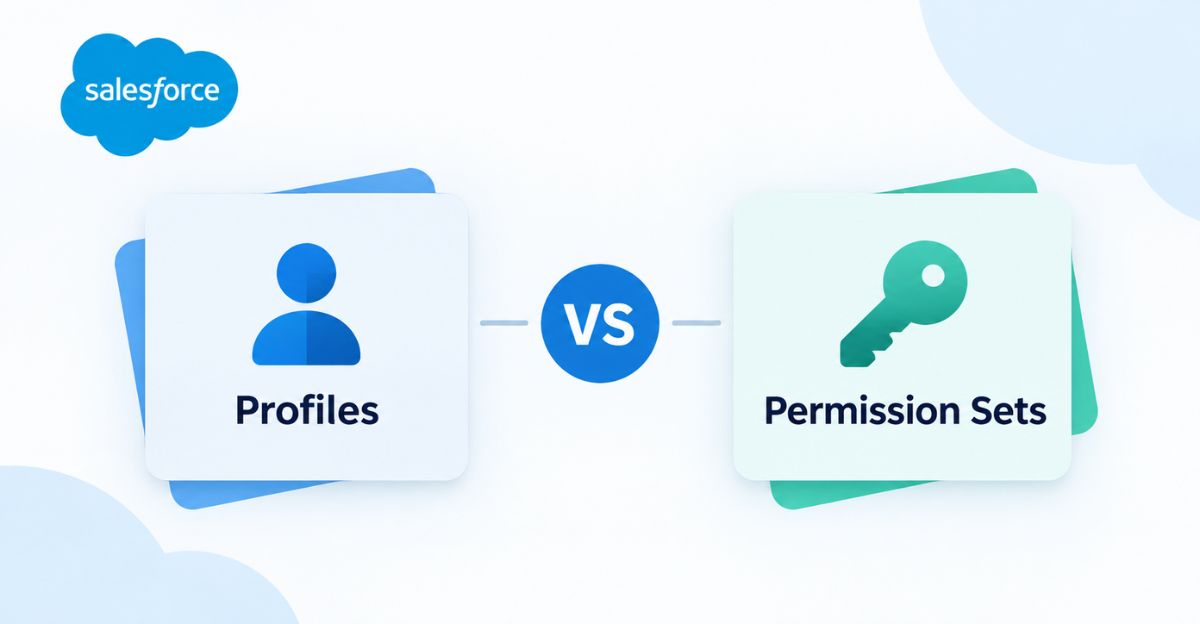
Profiles vs Permission Sets in Salesforce
This is the simplest comparison beginners should remember.
| Feature | Profiles | Permission Sets |
|---|---|---|
| Required for every user | Yes | No |
| Users can have multiple | No | Yes |
| Main purpose | Baseline permissions | Additional permissions |
| Best for temporary access | No | Yes |
| Flexible access management | Limited | Excellent |
| Recommended by Salesforce today | Minimal customization | Strongly recommended |
The easiest way to remember this is:
- Profiles start user access
- Permission Sets extend user access
How Real Salesforce Teams Use Both Together
Large companies never depend only on profiles.
Instead, they combine:
- Profiles
- Roles
- Permission Sets
- Sharing Rules
- OWD
together.
For example:
A Sales Manager may have:
- Sales Profile
- Sales Manager Role
- Export Reports Permission Set
- Dashboard Access Permission Set
Each layer controls something different.
This same layered approach is also important while understanding Salesforce Sharing Rules with Real Examples, and future security automation using Flow.
Understanding Roles vs Profiles vs Permission Sets
This is another area where beginners struggle.
Here is the simplest explanation:
| Component | Controls |
|---|---|
| Profiles | What users can do |
| Roles | What users can see |
| Permission Sets | Extra permissions |
For example:
- Profiles allow Opportunity editing
- Roles allow managers to see team records
- Permission Sets provide additional abilities
All three work together.

What Are Permission Set Groups?
As organizations grow, admins often create many Permission Sets.
For example, marketing users may require:
- Campaign access
- Report Builder access
- Dashboard access
- Email template permissions
Assigning these individually to every user becomes repetitive.
This is where Permission Set Groups help.
Admins can bundle multiple Permission Sets into one group.
Example:
- Marketing Team Access Group
Now onboarding becomes much faster.
Permission Set Groups are heavily used in enterprise Salesforce orgs because they simplify user management.
Real-World Scenario: Employee Department Transfer
Imagine an employee moves from Sales to Marketing.
Old approach:
- clone profiles
- manually adjust permissions
- remove old access
- add new access
Modern approach:
- remove Sales Permission Set Group
- assign Marketing Permission Set Group
Done.
This is why Permission Sets scale much better in growing organizations.
Why Salesforce Is Moving Toward Permission Sets
Older Salesforce orgs often contain:
- hundreds of profiles
- duplicate permissions
- inconsistent security
- deployment issues
Modern Salesforce best practices now encourage:
- fewer profiles
- more Permission Sets
- modular permission management
This improves:
- governance
- scalability
- auditing
- deployment management
Salesforce itself has been gradually shifting permission management away from heavy profile customization.
Common Mistakes Salesforce Admins Make
Creating Profiles for Every Small Change
This is the biggest beginner mistake.
If one user needs one additional permission:
DO NOT create another profile.
Use Permission Sets.
Giving System Administrator Access Too Easily
Some companies solve permission problems by giving users full admin access.
This creates:
- security risks
- accidental configuration changes
- audit problems
Access should always follow least privilege principles.
Ignoring Field-Level Security
Even when users have object access, sensitive fields should still remain protected.
Examples:
- payroll
- banking details
- commission data
Field-Level Security is extremely important in enterprise Salesforce security.
Using Profiles for Temporary Access
Profiles are difficult to manage for short-term requirements.
Permission Sets are much better for:
- contractors
- temporary projects
- testing access
- seasonal users
Best Practices for Profiles and Permission Sets
Keep Profiles Simple
Use profiles mainly for:
- baseline permissions
- login restrictions
- default apps
- core object access
Use Permission Sets for Flexibility
Permission Sets work best for:
- additional permissions
- department-specific features
- temporary access
- advanced capabilities
Use Naming Standards
Examples:
- PS_API_Access
- PS_Report_Export
- PSG_Marketing_Access
Good naming conventions make administration much easier.
Audit Permissions Regularly
Admins should regularly review:
- inactive users
- unused Permission Sets
- over-permissioned accounts
This becomes extremely important in enterprise security audits.

Profiles vs Permission Sets for Salesforce Admin Interviews
This topic is extremely common in:
- admin interviews
- certification exams
- real project discussions
Interviewers often ask:
“Why would you use a Permission Set instead of creating another profile?”
A strong answer shows practical admin experience.
This topic also connects naturally with:
- Salesforce Admin Certification Complete Guide for Beginners (2026)
- Salesforce Inspector Reloaded Guide for Beginners and Developers
- Salesforce DevOps Center Made Simple for Beginners
because permission management impacts deployments, security reviews, and admin operations.
The Simplest Way to Remember Everything
If you ever get confused, remember this line:
- Profiles = baseline permissions
- Roles = record visibility
- Permission Sets = additional access
Once this becomes clear, Salesforce security feels much easier.
Conclusion
Understanding Salesforce Permission Sets for Beginners is one of the most important skills for any Salesforce Admin.
Profiles define the core permissions users need for their jobs, while Permission Sets provide flexible additional access without creating unnecessary profiles.
Modern Salesforce orgs now prefer:
- fewer custom profiles
- modular Permission Sets
- Permission Set Groups for scalability
This approach keeps orgs:
- cleaner
- easier to maintain
- more secure
- easier to audit
When Profiles, Roles, Sharing Rules, Permission Sets, and OWD work together correctly, Salesforce security becomes both scalable and manageable.
If you are serious about becoming a strong Salesforce Admin, mastering this topic will help you handle real-world access management scenarios confidently.
FAQs
What is the difference between Profiles and Permission Sets in Salesforce?
Profiles provide baseline permissions for users, while Permission Sets provide additional permissions without changing the profile.
Can users have multiple Permission Sets?
Yes. A Salesforce user can have multiple Permission Sets assigned simultaneously.
Can users have multiple Profiles?
No. Every Salesforce user can only have one profile.
Why are Permission Sets preferred over Profiles today?
Permission Sets are more flexible, scalable, and easier to maintain compared to creating many custom profiles.
What are Permission Set Groups?
Permission Set Groups allow admins to bundle multiple Permission Sets together for easier assignment.
Do Roles replace Profiles?
No. Roles control record visibility, while Profiles control user permissions and capabilities.