





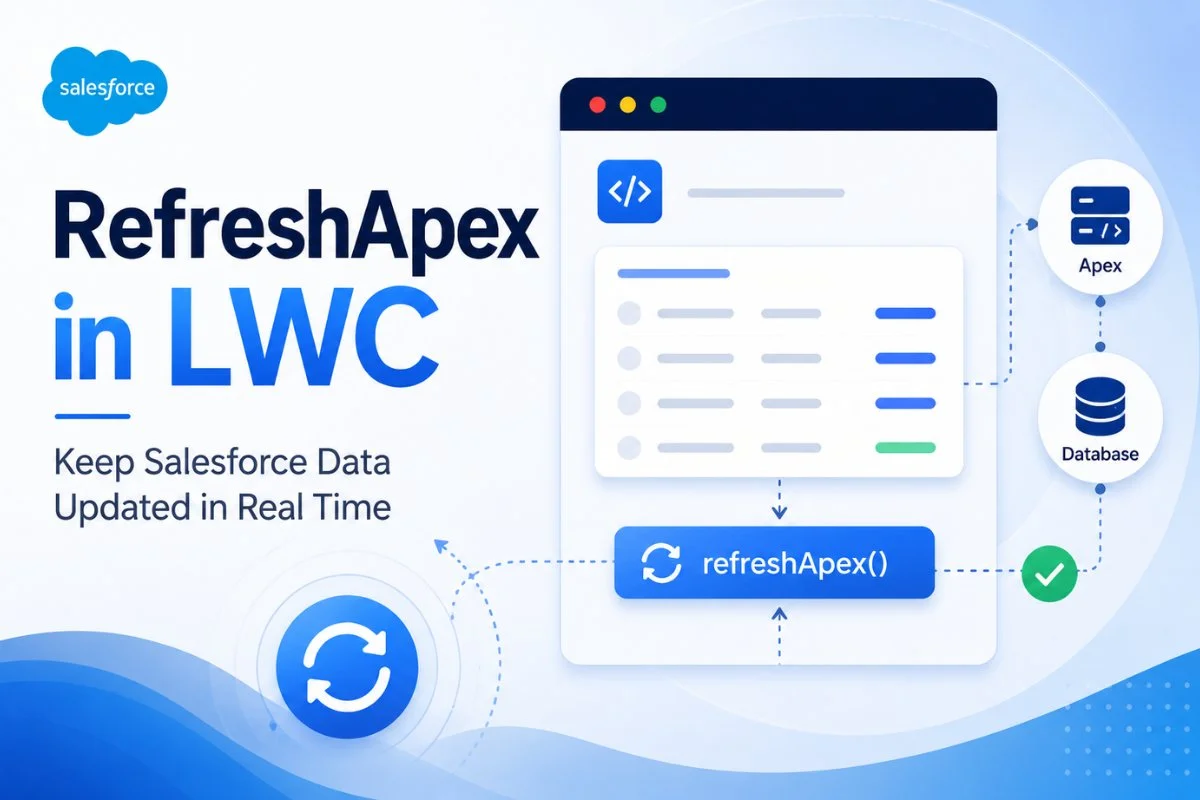
Salesforce Lightning Web Components often display cached data for better performance. However, there are many situations where the displayed data becomes outdated after records are updated, inserted, or deleted.
This is where refreshApex() becomes extremely important.
The refreshApex() function allows developers to refresh wired Apex data without reloading the entire page. It helps Lightning Web Components display the latest Salesforce data in real time.
If you are learning Lightning Web Components, you should first understand these concepts before moving deeper into refreshApex:
Salesforce @wire Decorator in LWC with Real Examples
How to Call Apex Imperatively in Salesforce LWC
Salesforce LWC Lifecycle Hooks Explained with Real Examples
What Is refreshApex() in LWC?
refreshApex() is a function provided by Salesforce that refreshes cached data returned from Apex methods wired using @wire.
It forces the component to fetch fresh data from the Salesforce server.
Without refreshApex(), users may continue seeing stale or outdated data inside Lightning components.
Why refreshApex() Is Important
Salesforce uses client-side caching for performance optimization.
For example:
- Opportunity updated
- Case status changed
- Contact inserted
- Records deleted
But the component UI may still show old data.
refreshApex() solves this problem by refreshing the wire service data.
This creates:
- Better user experience
- Real-time UI updates
- Faster applications
- Cleaner data synchronization
How refreshApex() Works
The overall flow looks like this:
- Apex method loads data using
@wire - Salesforce caches the response
- User updates records
- Data becomes stale
refreshApex()is called- Salesforce queries fresh data
- UI rerenders automatically

Basic Syntax of refreshApex()
import { refreshApex } from '@salesforce/apex';Usage:
refreshApex(wiredResult);The parameter passed to refreshApex() must be the complete wired result object.
Simple refreshApex Example in LWC
Apex Controller
public with sharing class AccountController {

    @AuraEnabled(cacheable=true)
    public static List<Account> getAccounts() {

        return [
            SELECT Id, Name
            FROM Account
            LIMIT 10
        ];
    }
}
LWC JavaScript
import { LightningElement, wire } from 'lwc';

import getAccounts
from '@salesforce/apex/AccountController.getAccounts';

import { refreshApex }
from '@salesforce/apex';

export default class AccountList extends LightningElement {

    accounts;

    wiredAccountsResult;

    @wire(getAccounts)
    wiredAccounts(result) {

        this.wiredAccountsResult = result;

        if(result.data) {
            this.accounts = result.data;
        }
    }

    handleRefresh() {

        refreshApex(this.wiredAccountsResult);
    }
}
LWC HTML
<template>

    <lightning-button
        label="Refresh Data"
        onclick={handleRefresh}>
    </lightning-button>

    <template for:each={accounts} for:item="acc">

        <p key={acc.Id}>
            {acc.Name}
        </p>

    </template>

</template>
Understanding the Important Part
This line is extremely important:
this.wiredAccountsResult = result;Many beginners make mistakes here.
You must store the complete wire result object because refreshApex() needs it later.
refreshApex After Imperative Apex Calls
One of the most common real-world use cases is:
- Update records using imperative Apex
- Refresh UI using
refreshApex()
This pattern is heavily used in enterprise Salesforce applications.
Also read: How to Call Apex Imperatively in Salesforce LWC
Real Example: Update Opportunity Stage
Apex Controller
public with sharing class OpportunityController {

    @AuraEnabled(cacheable=true)
    public static List<Opportunity> getOpportunities() {

        return [
            SELECT Id, Name, StageName
            FROM Opportunity
            LIMIT 10
        ];
    }

    @AuraEnabled
    public static void closeOpportunities() {

        List<Opportunity> opps = [
            SELECT Id, StageName
            FROM Opportunity
            LIMIT 10
        ];

        for(Opportunity opp : opps) {
            opp.StageName = 'Closed Won';
        }

        update opps;
    }
}
LWC JavaScript
import { LightningElement, wire }
from 'lwc';

import getOpportunities
from '@salesforce/apex/OpportunityController.getOpportunities';

import closeOpportunities
from '@salesforce/apex/OpportunityController.closeOpportunities';

import { refreshApex }
from '@salesforce/apex';

export default class OpportunityList extends LightningElement {

    opportunities;

    wiredOpportunityResult;

    @wire(getOpportunities)
    wiredOpps(result) {

        this.wiredOpportunityResult = result;

        if(result.data) {
            this.opportunities = result.data;
        }
    }

    async handleCloseWon() {

        await closeOpportunities();

        await refreshApex(this.wiredOpportunityResult);
    }
}
This creates real-time UI synchronization after record updates.

refreshApex with Wired Properties
refreshApex() works perfectly with wired properties.
Example:
@wire(getAccounts)
accounts;
Refresh:
refreshApex(this.accounts);refreshApex with Wired Functions
You can also use refreshApex() with wired functions.
Example:
wiredResult;

@wire(getAccounts)
wiredAccounts(result) {

    this.wiredResult = result;
}
Then refresh:
refreshApex(this.wiredResult);Real-Time Salesforce UI Refresh Scenario
Imagine a customer support dashboard.
Support agents:
- Close cases
- Update priorities
- Assign owners
Without refreshApex():
Old data remains visible.
With refreshApex():
UI updates instantly.
This dramatically improves user experience.
refreshApex vs Reloading the Page
Many beginners refresh the entire browser page.
This is NOT recommended.
| Method | Performance |
|---|---|
| Browser Refresh | Slow |
| refreshApex() | Fast |
| Full Reload | Bad UX |
| Partial Data Refresh | Better UX |
refreshApex() is far more efficient.
Common refreshApex Mistakes
Forgetting to Store Wired Result
Wrong:
@wire(getAccounts)
accounts;
Then:
refreshApex(this.accounts.data);This will not work properly.
Correct:
refreshApex(this.accounts);Using refreshApex Without @wire
refreshApex() only refreshes wired Apex data.
It does not refresh normal variables automatically.
Excessive Refresh Calls
Avoid unnecessary refresh calls.
Too many server refreshes can create:
- Performance issues
- API overhead
- Slow UI rendering
refreshApex with Platform Events
Advanced Salesforce projects often combine:
- Platform Events
- Streaming API
- refreshApex()
This enables near real-time enterprise dashboards.
Example use cases:
- Live support dashboards
- Real-time sales tracking
- Inventory systems
- AI monitoring dashboards

refreshApex and Lightning Data Service
Salesforce also provides:
- Lightning Data Service
- notifyRecordUpdateAvailable()
- RefreshView API
However, refreshApex() is mainly used for Apex wire service refresh scenarios.
Best Practices for refreshApex()
Store the Wired Result Properly
Always keep the full wire response object.
Refresh Only When Needed
Avoid unnecessary server calls.
Combine with Imperative Apex Carefully
This pattern is extremely common in enterprise Salesforce apps.
Also read: Salesforce Governor Limits with Real Examples and Best Practices
Use Async/Await
Cleaner syntax:
await refreshApex(this.wiredResult);Show Loading Indicators
Use spinners while refreshing data.
Better UX improves application quality.
When Should You Use refreshApex()?
Use refreshApex() when:
- Records update after DML
- UI data becomes stale
- Imperative Apex changes records
- Real-time refresh is required
- Wired Apex methods are used
When NOT to Use refreshApex()
Avoid using it:
- For static data
- Inside loops
- After every click unnecessarily
- Without wire service
refreshApex vs notifyRecordUpdateAvailable()
| Feature | refreshApex | notifyRecordUpdateAvailable |
|---|---|---|
| Works with Apex @wire | Yes | |
| Works with LDS | Limited | Yes |
| Refreshes wired Apex | Yes | No |
| Common in custom Apex apps | Yes | Less |
Real Enterprise Use Cases
Sales Dashboard
Refresh opportunities after updates.
Support Console
Refresh cases after status changes.
Inventory Systems
Refresh stock levels instantly.
Approval Systems
Refresh approval queues automatically.
AI Monitoring Dashboards
Real-time Agentforce data refresh.
Also read: What Is Salesforce Agentforce? Complete Beginner Guide
Final Thoughts
refreshApex() is one of the most important Lightning Web Components concepts for building responsive Salesforce applications.
It helps developers keep Lightning components synchronized with Salesforce data without reloading pages.
Most enterprise Salesforce projects heavily rely on:
@wire- Imperative Apex
- refreshApex()
- Lightning Data Service
Together, these concepts create modern, high-performance Salesforce applications with real-time user experiences.
If you want to become a strong Salesforce LWC developer, mastering refreshApex() is absolutely essential.
Read more :
How to Call Apex Imperatively in Salesforce LWC
Salesforce LWC Lifecycle Hooks Explained with Real Examples
Salesforce Governor Limits with Real Examples and Best Practices
Queueable Apex in Salesforce for Beginners: Complete Async Processing Guide
Salesforce REST API Tutorial for Beginners with Real Integration Examples


