





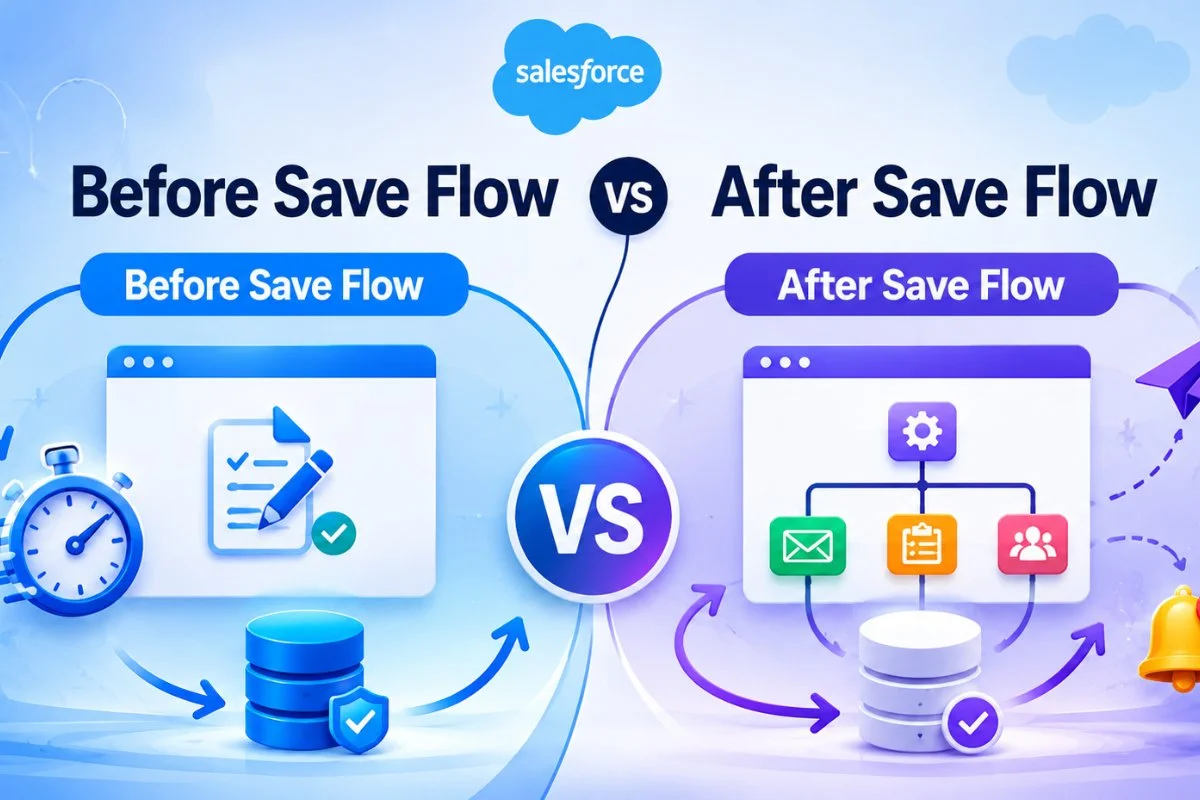
Before Save vs After Save Flow in Salesforce is one of the most important topics in Salesforce automation. Choosing the correct flow type directly affects performance, scalability, and user experience. Many Salesforce admins create record-triggered flows without fully understanding when to use Before Save Flow and when to use After Save Flow. As a result, flows become slow, difficult to maintain, or even hit governor limits.
In Salesforce, Before Save Flow is mainly used for fast field updates on the same record. On the other hand, After Save Flow is used when you need to create related records, send emails, update child records, call integrations, or trigger advanced automation.
If you are learning Before Save vs After Save Flow in Salesforce with Real Examples, understanding the difference between these two flow types is extremely important.
You should also read Salesforce Governor Limits with Real Examples and Best Practices because flow performance becomes critical in large Salesforce orgs.
What Is Before Save Flow in Salesforce?
A Before Save Flow runs before Salesforce saves the record into the database. Salesforce calls this type of flow Fast Field Updates because it is optimized for speed.
This flow type is best when you only need to update fields on the same triggering record.
Common Use Cases of Before Save Flow
- Auto-populate field values
- Update status fields
- Format text automatically
- Calculate simple field values
- Set default values
- Validate or clean incoming data
Real Example of Before Save Flow
Suppose a company wants to automatically update Opportunity Priority when Opportunity Amount becomes greater than $100,000.
Instead of using an Apex Trigger, a Before Save Flow can instantly update the Priority field before the record is saved.
Because Salesforce updates the field during the save process itself, performance becomes much faster.
You can also compare this approach with Apex Trigger Tutorial for Beginners in Salesforce if you want to understand trigger differences.

What Is After Save Flow in Salesforce?
An After Save Flow runs after the record is committed to the Salesforce database. Salesforce calls this option Actions and Related Records.
This flow type is used when automation needs access to:
- Record ID
- Related records
- External actions
- Notifications
- DML operations
Common Use Cases of After Save Flow
- Create related records
- Send email alerts
- Post to Chatter
- Update child records
- Launch subflows
- Call Apex classes
- Perform integrations
- Trigger asynchronous processing
Real Example of After Save Flow
Imagine an Opportunity is marked as Closed Won.
After the save operation:
- Create onboarding tasks
- Send welcome email
- Notify finance team
- Create implementation records
All these operations require the record to already exist in the database. Therefore, an After Save Flow is the correct solution.
If your automation becomes more complex, you may also use Queueable Apex in Salesforce for Beginners: Complete Async Processing Guide for async processing.

Before Save vs After Save Flow in Salesforce
Here is the main difference between both flow types.
Before Save Flow
- Runs before database save
- Faster performance
- Updates same record only
- No DML operation needed
- Limited automation capability
After Save Flow
- Runs after database save
- Slightly slower
- Can create/update related records
- Supports advanced automation
- Allows integrations and notifications
In most scenarios, Salesforce recommends using Before Save Flow whenever possible because it is more efficient.
However, After Save Flow becomes necessary for advanced business processes.
Performance Difference Between Before Save and After Save Flow
Performance is one of the biggest reasons Salesforce introduced Before Save Flow.
A Before Save Flow is significantly faster because Salesforce avoids an additional database update.
Why Before Save Flow Is Faster
When you update fields using Before Save Flow:
- Salesforce modifies the record in memory
- No extra DML statement occurs
- No second save operation happens
As a result:
- Better performance
- Lower governor limit usage
- Faster bulk data processing
You should also understand Salesforce Governor Limits with Real Examples and Best Practices because automation performance directly affects limits.
When to Use Before Save Flow
Use Before Save Flow when:
- Updating fields on the same record
- No related records are involved
- No email alerts are required
- No integrations are needed
- Performance is important
Example Scenarios
Lead Automation
Automatically set Lead Rating based on Annual Revenue.
Case Management
Auto-fill Case Priority based on Case Type.
Opportunity Updates
Calculate Discount Percentage before save.
These are lightweight operations and perfect for Before Save Flow.
When to Use After Save Flow
Use After Save Flow when:
- Creating related records
- Updating child records
- Sending notifications
- Calling integrations
- Launching subflows
- Running async automation
Example Scenarios
Opportunity Closed Won
Create onboarding project automatically.
Case Escalation
Send email alert to manager.
Account Update
Update all related contacts.
Integration Use Case
Send Salesforce data to external ERP system.
For external systems, you may also explore Salesforce REST API Tutorial for Beginners with Real Integration Examples
Real Project Example: Before Save Flow
A healthcare company wanted to standardize patient priority levels.
Requirement
If Appointment Type = Emergency, automatically update:
- Priority = High
- Response Time = Immediate
Solution
A Before Save Flow updates both fields before the record saves.
Why Before Save Flow?
- Same-record updates only
- No related records
- Faster execution
- Better bulk performance
The company processed thousands of records daily without performance issues.
Real Project Example: After Save Flow
An IT company wanted automation after Case escalation.
Requirement
When Case Priority becomes Critical:
- Create escalation task
- Send Slack notification
- Notify manager by email
- Update related SLA record
Solution
An After Save Flow handled all actions.
Why After Save Flow?
Because the process required:
- Related record updates
- Notifications
- Multiple actions
This type of automation cannot be handled by Before Save Flow.
Can Before Save Flow Replace Apex Trigger?
In many scenarios, yes.
Salesforce now recommends using Flow instead of Apex Trigger for simple automation.
Use Flow Instead of Apex When:
- Logic is simple
- No complex loops
- No advanced calculations
- No external services
However, Apex is still better for:
- Complex enterprise logic
- Advanced integrations
- Large-scale processing
- Reusable frameworks
You can compare this with:
- Batch Apex for Salesforce tutorial
- Queueable Apex in Salesforce for Beginners: Complete Async Processing Guide
Common Mistakes in Record-Triggered Flow
Many Salesforce admins make these mistakes while building automation.
Using After Save for Simple Field Updates
This is one of the biggest mistakes.
If you only update the same record, always prefer Before Save Flow.
Creating Multiple Flows on Same Object
Too many flows on one object can create:
- Performance issues
- Debugging problems
- Unexpected recursion
Ignoring Governor Limits
Complex After Save Flows can hit:
- SOQL limits
- DML limits
- CPU timeout errors
Understanding Salesforce Governor Limits with Real Examples and Best Practices helps avoid these problems.
No Entry Conditions
Flows without proper entry criteria run unnecessarily and reduce performance.
Always add specific conditions.

Best Practices for Salesforce Record-Triggered Flows
Use Before Save Whenever Possible
For field updates, Before Save Flow should always be your first choice.
Keep Flow Logic Simple
Avoid unnecessary decisions and loops.
Use Subflows for Reusability
Large automation should be divided into reusable components.
Avoid Hardcoding
Use Custom Metadata or Custom Labels whenever possible.
Test with Bulk Data
Always validate flow performance using multiple records.
Document Your Automation
Proper naming conventions help future maintenance.
You should also review Salesforce DevOps Center Made Simple for Beginners for deployment best practices.
Before Save Flow vs Process Builder
Salesforce is gradually replacing Process Builder with Flow.
Compared to Process Builder:
- Before Save Flow is faster
- Better optimized
- Easier to maintain
- More scalable
Most modern Salesforce automation should now be built using Flow Builder.
Before Save Flow vs Apex Trigger
| Feature | Before Save Flow | Apex Trigger |
|---|---|---|
| Speed | Faster | Moderate |
| Coding Required | No | Yes |
| Maintenance | Easier | Complex |
| Advanced Logic | Limited | Powerful |
| Best For | Simple automation | Enterprise logic |
Admins usually prefer Flow because it reduces dependency on code.
Which Flow Type Should You Choose?
Choosing between Choosing Before Save vs After Save Flow in Salesforce depends completely on your use case.
Choose Before Save Flow When:
- Updating same record
- Performance matters
- Simple automation needed
Choose After Save Flow When:
- Working with related records
- Sending notifications
- Running integrations
- Triggering advanced business logic
A smart Salesforce admin always tries to use the simplest and fastest solution first.
Final Thoughts
Understanding Choosing Before Save vs After Save Flow in Salesforce is essential for building scalable automation. Before Save Flow provides extremely fast field updates, while After Save Flow enables advanced automation and related record operations.
In real-world projects, both flow types are important. The key is knowing when to use each one correctly.
As Salesforce automation grows, choosing the right flow architecture becomes even more important for performance and maintainability.
For deeper Salesforce automation knowledge, you should also explore:


