


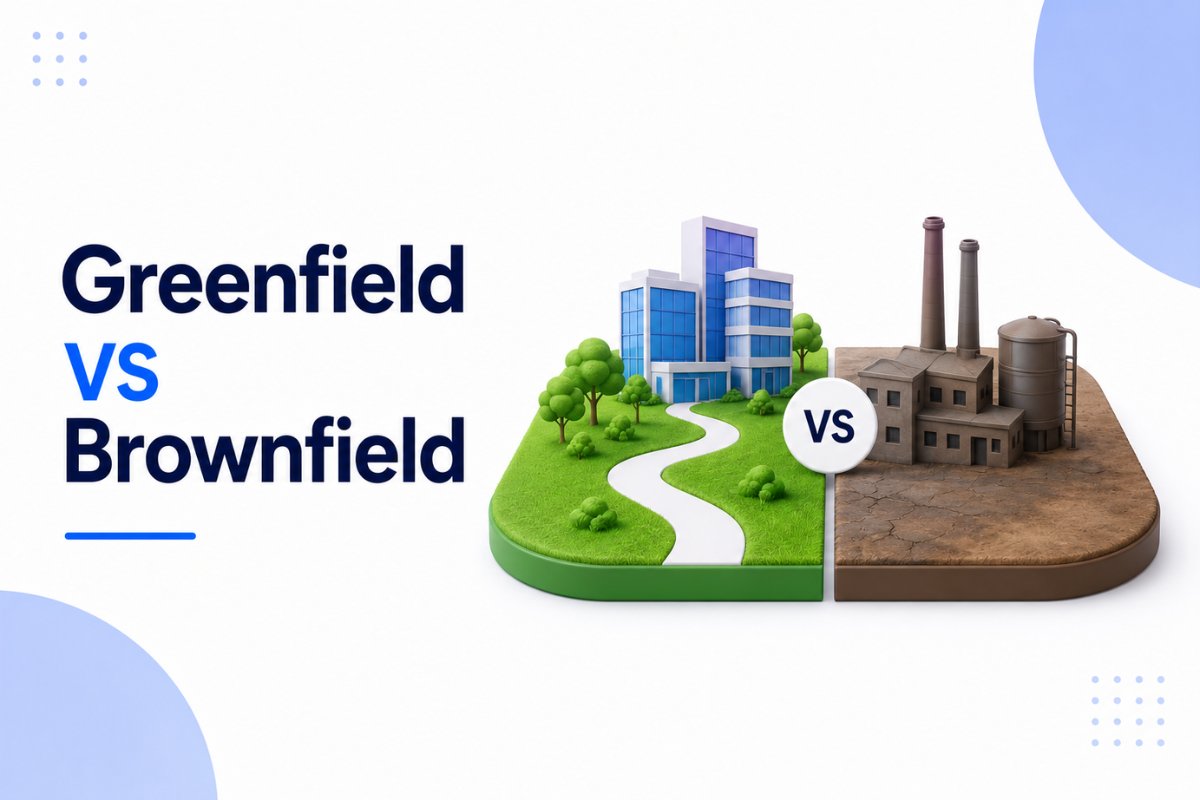
When organizations decide to implement Salesforce, one of the first strategic decisions is choosing between a Greenfield and Brownfield approach.
Both implementation models can lead to a successful Salesforce deployment. However, they solve very different business problems and come with different risks, costs, timelines, and technical considerations.
A startup implementing Salesforce for the first time has very different requirements from a global enterprise replacing a legacy CRM that has been running for ten years.
Understanding the differences between Greenfield and Brownfield Salesforce implementations helps organizations avoid expensive mistakes and build a solution that supports long-term growth.
In this article, we’ll compare both approaches, explore real-world examples, discuss advantages and challenges, and help you determine which implementation strategy fits your organization.
What Is a Greenfield Salesforce Implementation?
A Greenfield Salesforce implementation means building a Salesforce environment from scratch.
In other words, there are no existing CRM systems, Salesforce configurations, business processes, or technical constraints that must be retained.
Think of it as starting with a blank canvas.
The implementation team can design:
- Data models
- Security architecture
- Automation
- User experience
- Integrations
- Reporting strategy
without being limited by existing systems.
This approach is common for:
- Startups
- New business units
- Organizations adopting Salesforce for the first time
- Companies undergoing major digital transformation
Because there are fewer legacy dependencies, implementation teams have more flexibility when designing the solution.
Example of a Greenfield Salesforce Project
A growing SaaS startup currently manages leads and opportunities using spreadsheets.
The company decides to implement Salesforce Sales Cloud for the first time.
Since no CRM exists, architects can create:
- Account structure
- Lead management process
- Opportunity lifecycle
- Sales automation
- Reporting dashboards
from the ground up.
This is a classic Greenfield implementation.

What Is a Brownfield Salesforce Implementation?
A Brownfield Salesforce implementation focuses on enhancing, migrating, integrating, or modernizing an existing environment.
Instead of starting fresh, teams work with systems that already exist.
These may include:
- Legacy CRM platforms
- Existing Salesforce orgs
- ERP systems
- Marketing platforms
- Customer service applications
As a result, implementation teams must account for current business processes, integrations, historical data, and organizational dependencies.
Brownfield projects are generally more complex because existing systems cannot simply be ignored.
As a result, implementation teams spend significantly more time analyzing dependencies and migration requirements.
Example of a Brownfield Salesforce Project
A company currently uses Microsoft Dynamics as its CRM.
Over several years, thousands of customer records, integrations, workflows, and reporting processes have been built.
The organization decides to migrate to Salesforce.
Instead of creating everything from scratch, the implementation team must:
- Migrate historical data
- Preserve business processes
- Rebuild integrations
- Train users
- Minimize business disruption
This is a Brownfield implementation.
Greenfield vs Brownfield Salesforce: Key Differences
| Area | Greenfield | Brownfield |
|---|---|---|
| Starting Point | New implementation | Existing system |
| Legacy Constraints | None | Significant |
| Data Migration | Minimal | Extensive |
| Flexibility | High | Moderate |
| Complexity | Lower | Higher |
| Customization Freedom | Maximum | Limited by existing systems |
| Risk Level | Lower technical risk | Higher migration risk |
| Time to Design | Longer planning | More analysis required |
| Integration Requirements | Usually fewer | Often extensive |
| User Change Management | New processes | Existing habits must change |
Although both approaches aim to deliver a successful Salesforce implementation, the path to success differs significantly.
Advantages of a Greenfield Salesforce Implementation
Many architects prefer Greenfield projects because they offer greater design freedom.
Cleaner Architecture
Since no legacy systems exist, architects can follow Salesforce best practices from the beginning.
This often results in:
- Better scalability
- Cleaner data models
- Simpler automation
- Easier maintenance
Organizations implementing automation for the first time should understand concepts covered in our guide on Salesforce Flow Tutorial for Beginners: Complete Step-by-Step
Easier Governance
Greenfield projects allow teams to establish:
- Naming conventions
- Security standards
- Development processes
- Documentation requirements
before complexity begins to grow.
Better User Experience
Without old processes influencing decisions, organizations can focus on creating streamlined user experiences that support business goals.
Challenges of a Greenfield Implementation
Despite the advantages, Greenfield projects also have challenges.
Requirements Must Be Clearly Defined
When starting from scratch, there is no existing system to reference.
Therefore, requirement gathering becomes extremely important.
Poor planning can result in:
- Missing functionality
- Scope creep
- Rework
Business Processes May Be Unclear
Some organizations discover they do not fully understand their own processes until implementation begins.
Consequently, workshops and stakeholder interviews become critical.
Advantages of a Brownfield Salesforce Implementation
Brownfield implementations are more common in large organizations.
Existing Business Knowledge
Current systems already contain valuable business knowledge.
Teams can analyze existing workflows instead of starting entirely from scratch.
Historical Data Is Preserved
Customer history, reporting trends, and operational data remain available.
For organizations with years of business data, this can be extremely important.
Faster User Adoption
Users are often familiar with existing processes.
As a result, training efforts may be reduced compared to a completely new implementation.
Challenges of a Brownfield Salesforce Implementation
Brownfield projects introduce several risks that Greenfield projects avoid.
Data Migration Complexity
Migrating years of historical data can be difficult.
Organizations frequently encounter:
- Duplicate records
- Missing values
- Inconsistent formats
- Data quality issues
Before any migration project, reviewing a structured approach to data preparation is essential.
Legacy Technical Debt
Older systems often contain outdated processes and unnecessary customizations.
Instead of blindly migrating everything, organizations should identify what truly adds value.
This is similar to the challenges discussed in our article on Salesforce Technical Debt: What It Is and How to Reduce It
Integration Challenges
Existing ERP systems, finance platforms, and marketing tools often require extensive integration planning.
Organizations working with multiple connected systems should also review Types of Salesforce Integrations: Complete Guide for Beginners and Salesforce Integration Best Practices: Complete Guide for Scalable Systems

When Should You Choose Greenfield?
A Greenfield implementation is often the better choice when:
- No CRM currently exists
- Existing systems provide little value
- Major business transformation is planned
- Processes need complete redesign
- Long-term scalability is the primary goal
Organizations seeking a fresh start usually benefit from a Greenfield approach.
When Should You Choose Brownfield?
A Brownfield implementation is typically preferred when:
- Existing systems contain valuable data
- Business processes must remain operational
- Large user bases already exist
- Integrations cannot be disrupted
- Historical reporting must be preserved
For many enterprises, replacing everything from scratch simply isn’t practical.
Common Mistakes to Avoid
Regardless of implementation type, several mistakes appear repeatedly.
Migrating Bad Data
Poor-quality data should not be transferred into Salesforce.
Instead, clean and validate data before migration begins.
Ignoring User Adoption
Technology alone does not guarantee success.
Users must understand and embrace the new platform.
Over-Customization
Many organizations customize Salesforce too early.
Whenever possible, start with standard functionality before introducing complex customizations.
Understanding the differences between Salesforce Configuration vs Customization: Key Differences and When to Use Each can help prevent unnecessary complexity.
Lack of Governance
Without governance, even a successful implementation can become difficult to maintain over time.
Security, automation, documentation, and deployment standards should be established early.
Final Thoughts
The debate between Greenfield vs Brownfield Salesforce implementations is not about which approach is better.
Instead, the right choice depends on your organization’s current systems, business goals, timeline, budget, and long-term strategy.
Greenfield implementations provide a clean slate and maximum flexibility. Brownfield implementations preserve existing investments while modernizing business operations.
Most large enterprises choose Brownfield because existing systems cannot simply be abandoned. Meanwhile, startups and organizations undergoing major transformation often benefit from the freedom that Greenfield implementations provide.
Before selecting either approach, evaluate your current environment, business requirements, technical constraints, and future growth plans. Making the right decision at the beginning can save significant time, money, and effort throughout the implementation journey.
Frequently Asked Questions
What is Greenfield in Salesforce?
A Greenfield Salesforce implementation is a new Salesforce deployment built from scratch without relying on existing CRM systems or business processes.
What is Brownfield in Salesforce?
A Brownfield Salesforce implementation involves upgrading, migrating, integrating, or improving an existing system while preserving valuable business processes and data.
Which is better: Greenfield or Brownfield Salesforce implementation?
Neither approach is universally better. Greenfield offers more flexibility, while Brownfield preserves existing investments and business knowledge.
Is data migration required in a Greenfield implementation?
Usually less data migration is required because there are fewer existing systems to migrate from.
Why are Brownfield projects more complex?
Brownfield projects involve legacy systems, historical data, integrations, user adoption challenges, and technical dependencies that must be managed carefully.
Related Articles
- Salesforce Configuration vs Customization: Key Differences and When to Use Each
- Apex Trigger Tutorial for Beginners in Salesforce
- Salesforce REST API Tutorial for Beginners with Real Integration Examples
- Salesforce Data Loader Tutorial for Beginners
- salesforce data archiving best practices
- Salesforce DevOps Center Made Simple for Beginners